Setting up the display 13
Portrait function
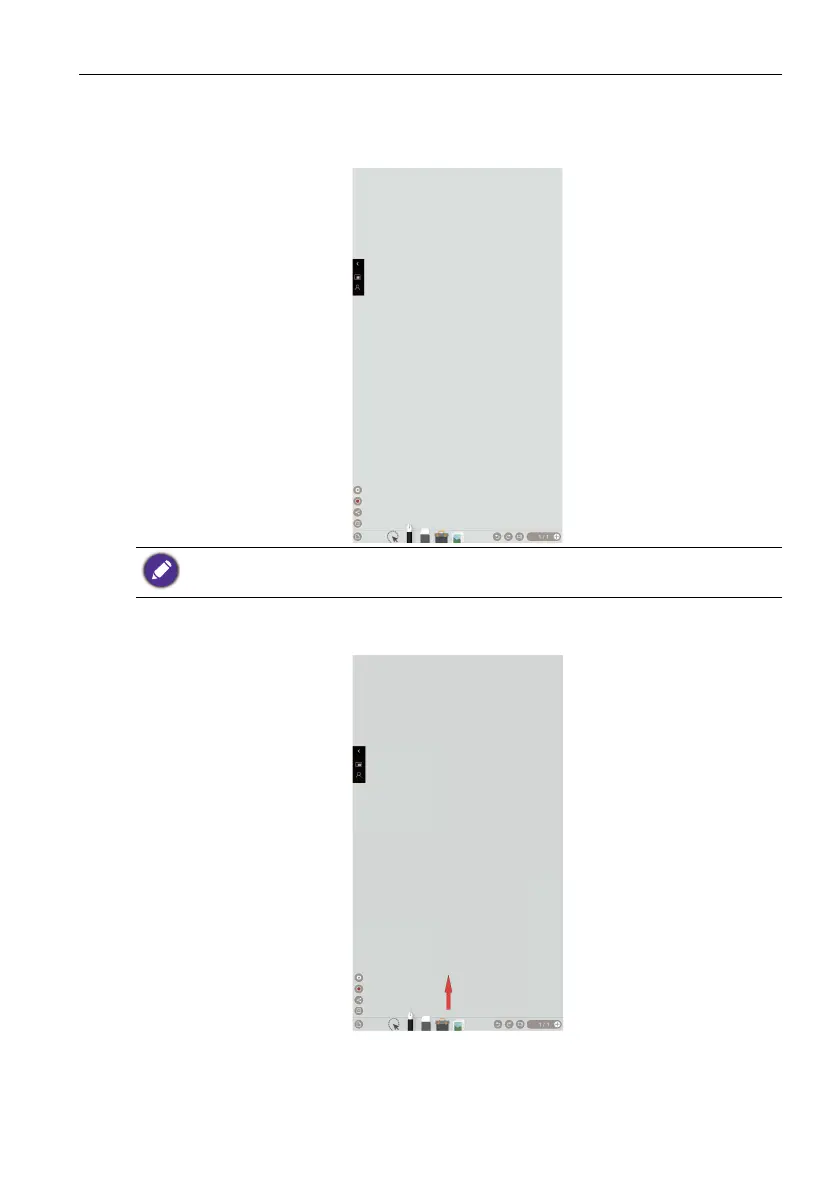
After turning the device 90° clockwise, it will automatically enter EZWrite. Please be
noted that the device can only be turned in a clockwise direction.
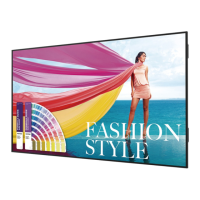
Drag the OSD menu up from the bottom-center of the screen, as shown below, to
enter the OSD menu.
Only EZWrite supports the portrait of full screen, while other input sources support the
portrait of 16:9.



 To Next Page