Working with Android OS 83
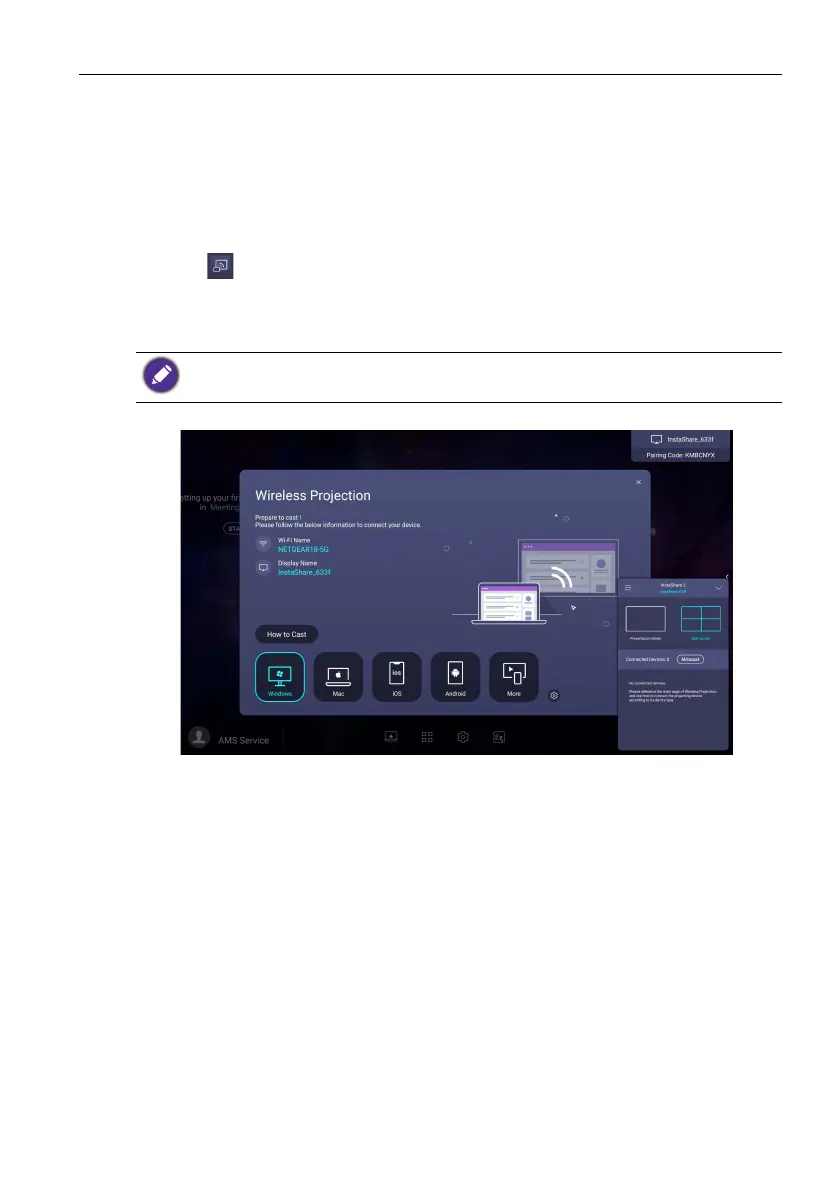
InstaShare 2
InstaShare 2 is a software-based solution for multi-user collaboration that allows users
to wirelessly share content from their own devices to the display. The two-way mirroring
feature lets users mirror content from a personal device to the display and vice versa.
This feature lets users easily share content with all devices in a meeting.
Two ways are provided for you to access InstaShare 2:
1. On the Android main interface, select Wireless Projection > InstaShare 2.
2. Click in Apps to launch InstaShare 2.
With this application, you can mirror the display's screen on your smartphone or tablet
for hands-on annotation and mirror the screen of your smartphone or tablet on the
display.
To u s e InstaShare 2:
1. Make sure your mobile device (such as smartphone or tablet) and the display are
connected to the same network.
Before launching the application, make sure your display is properly connected to lnternet.



 To Next Page