Apps84
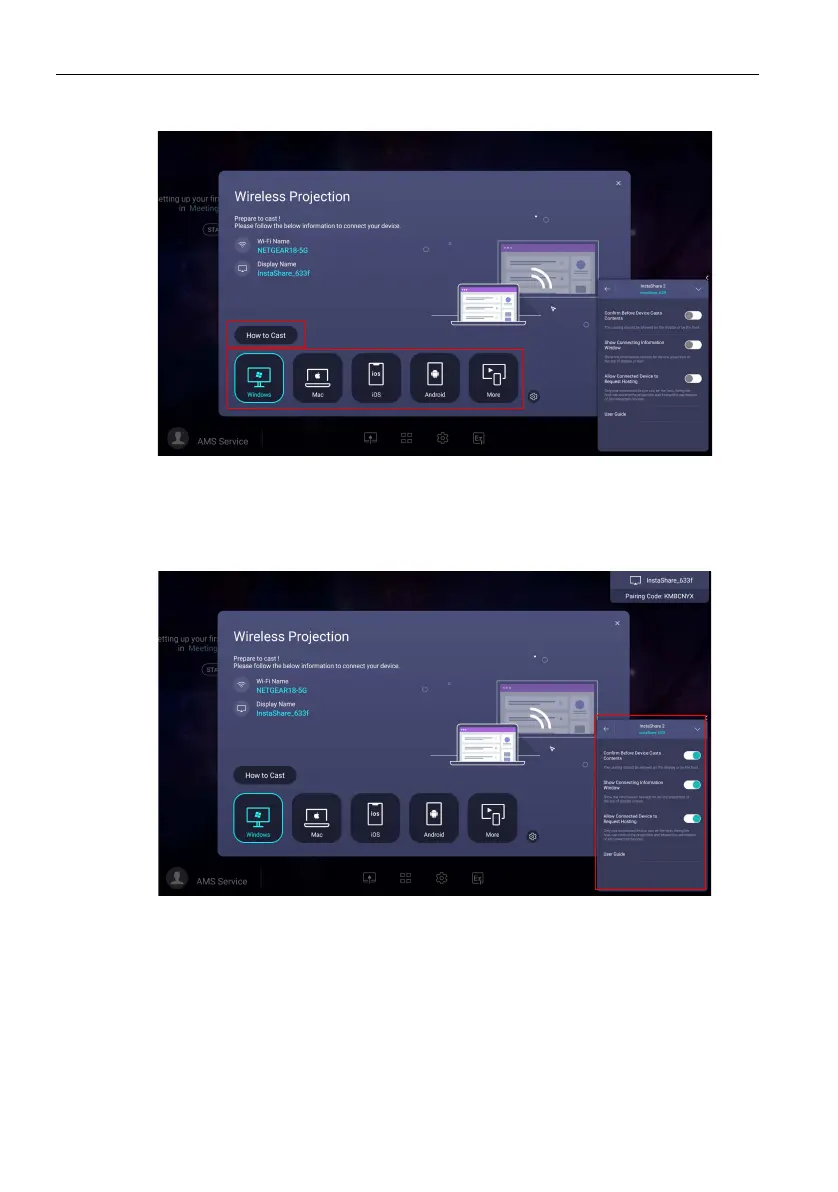
2. Press How to Cast to download and install the InstaShare 2 app on your mobile
device.
3. Open the InstaShare 2 app on your mobile device, and you can click the
InstaShare 2 ID name that you want to connect to or enter the pairing code. You
can enable advanced settings on the right. Be noted that once you enable Confirm
Before Casts Contents, the casting should be allowed on the display or by the
host.



 To Next Page