Apps88
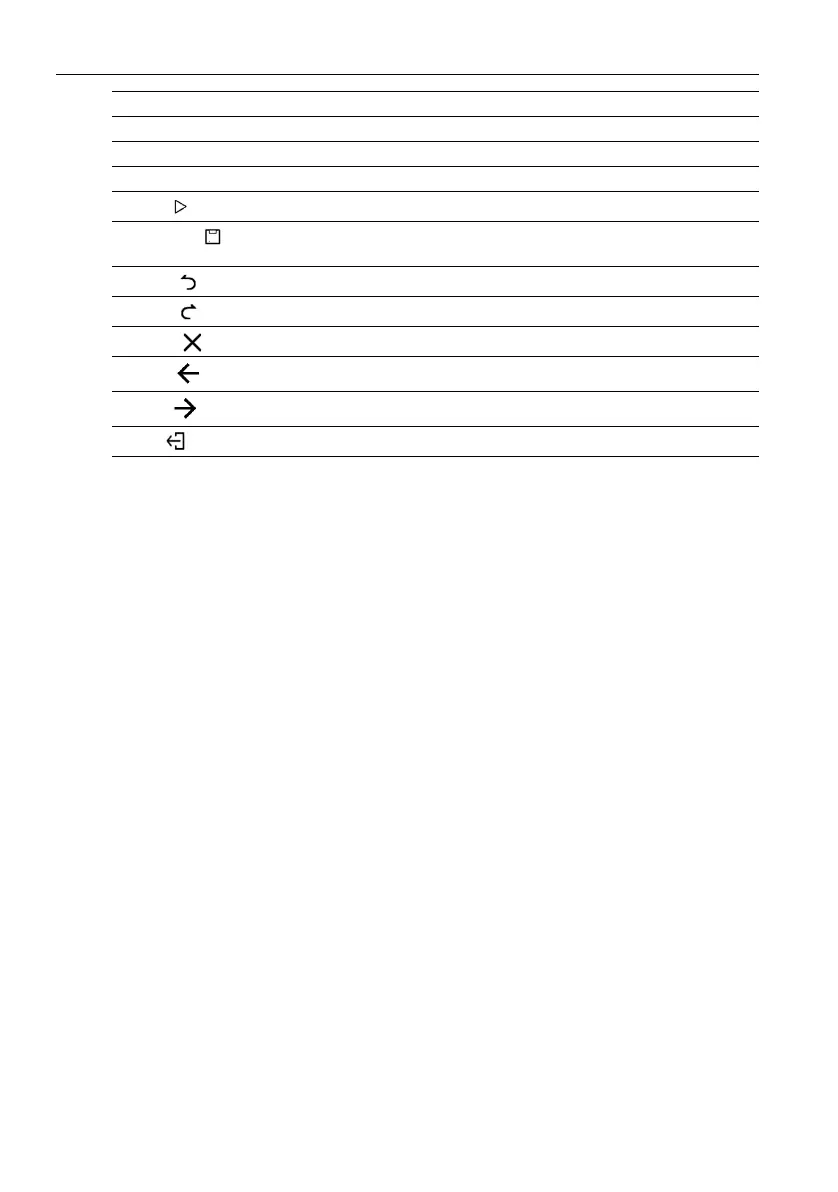
Edit Tap to edit the content or format of the slides.
Insert Tap to insert tables, pictures, charts, comments, video, or audio.
Transitions Tap to apply or adjust the timing of a transition.
Pen Tap to write, draw, paint or sketch to the slides.
Play ()
Tap to start a slide show.
Save As ()
Tap to save the presentation file on either the display’s internal
memory, an external storage device, or cloud storage.
Undo ()
Tap to undo an action.
Redo ()
Tap to redo the last action.
Close ()
Tap to close the presentation file.
Back ()
Tap to return to the previous page.
Next ()
Tap to go to the next page.
Exit ()
Tap to exit WPS Office.


 To Next Page