Operation 23
Auto-adjusting the image
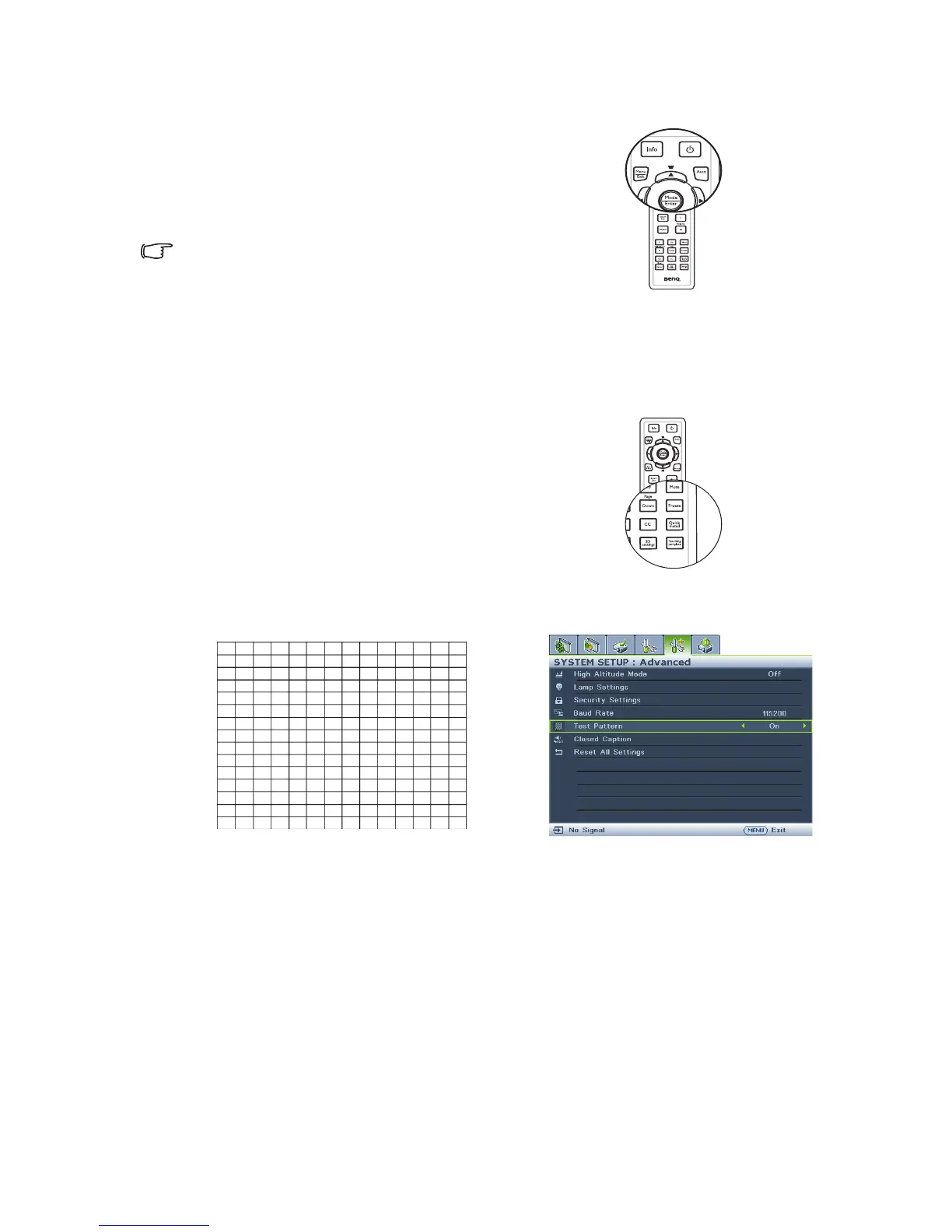
In some cases, you may need to optimize the
picture quality. To do this, press Auto on
the remote control. Within 3 seconds, the
built-in Intelligent Auto Adjustment function
will re-adjust the values of Frequency and
Clock to provide the best picture quality.
• The screen will be blank while Auto
is functioning.
• This function is only available when
PC signal (analog RGB) is selected.
Use build-in test pattern
You can adjust the image shape and focus
status by observing the input signal content,
or using the test pattern build-in OSD
manual from OSD or remote control for
better observe the shape changed.
Open the OSD menu and go to the
SYSTEM SETUP: Advanced > Te s t
Pattern > On. Press Mode/Enter. The
Te s t P a t t e r n displays.











 To Next Page