45
For more information on Android TV, you can use the following resources:
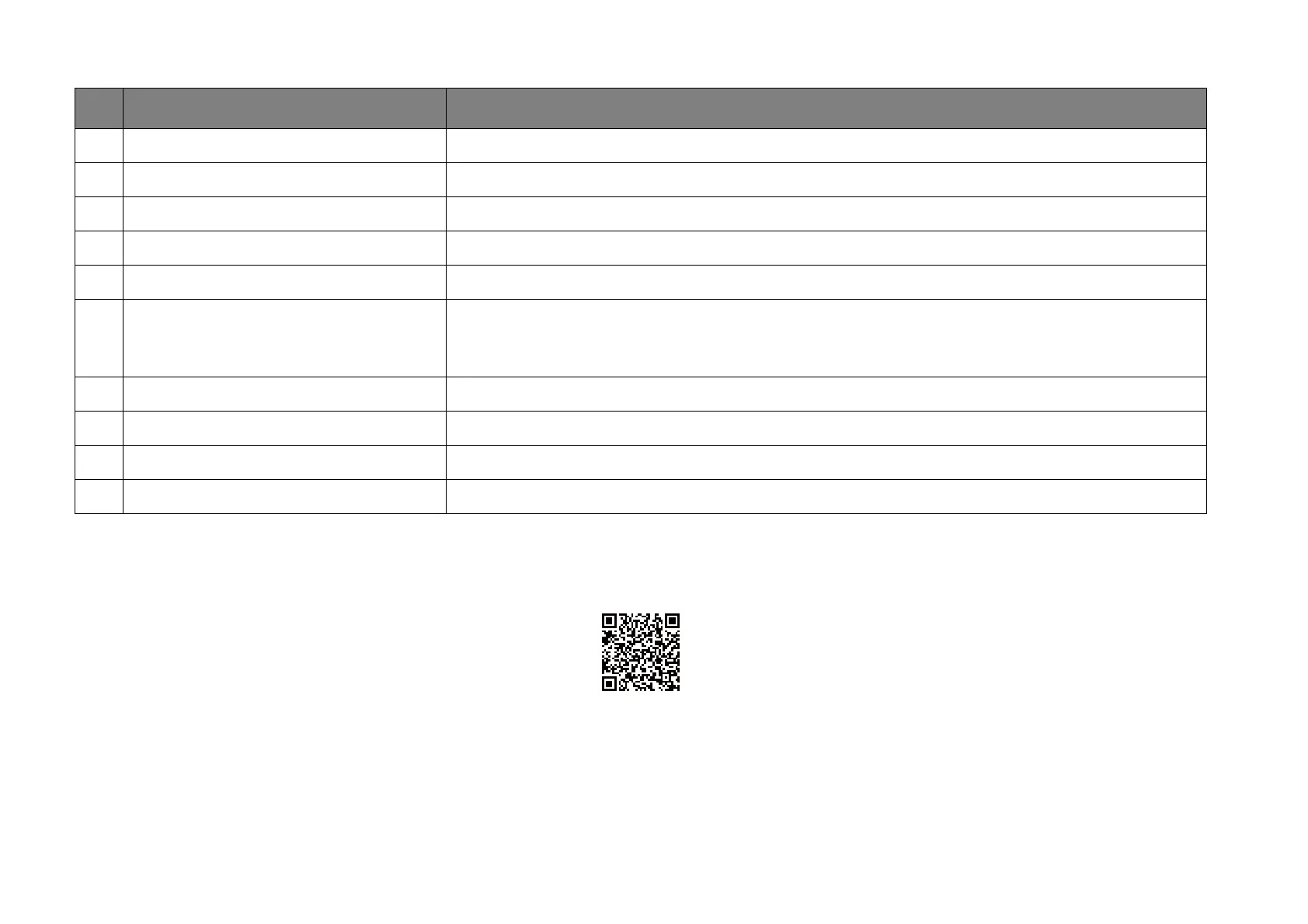
• For How-to videos on Android TV and FamiLand, scan the QR code below or go to:
https://www.benq.com/en-us/knowledge-center/knowledge/how-to-start-benq-smart-home-projector.html
• For the QS01 ATV dongle user manual, visit Support.BenQ.com.
No. Item Description
1 Google Voice Search / Google Assistant Enables Google Voice Search / Google Assistant.
2 All apps Accesses all the installed apps.
3 YouTube Launches the YouTube app.
4 Customized channels Allows you to customize app channels that appear on the home screens feed.
5 Search by text Enables text input to search.
6 Recommended apps or services
Quick access to recommended apps or videos-on-demand services. Select the + button to add app
shortcuts to this row. See Accessing more streaming videos on page 47 for more information on
streaming videos.
7 Notifications Accesses notification(s).
8 Settings Accesses the Android settings menus.
9 System time Displays the time.
10 Recommended YouTube videos Quick access to videos recommended by YouTube.



 To Next Page