54
Connecting a USB flash drive
Connect a USB flash drive to the respective port on the projector to play media files stored on the USB flash drive.
To play media files stored on a USB flash drive:
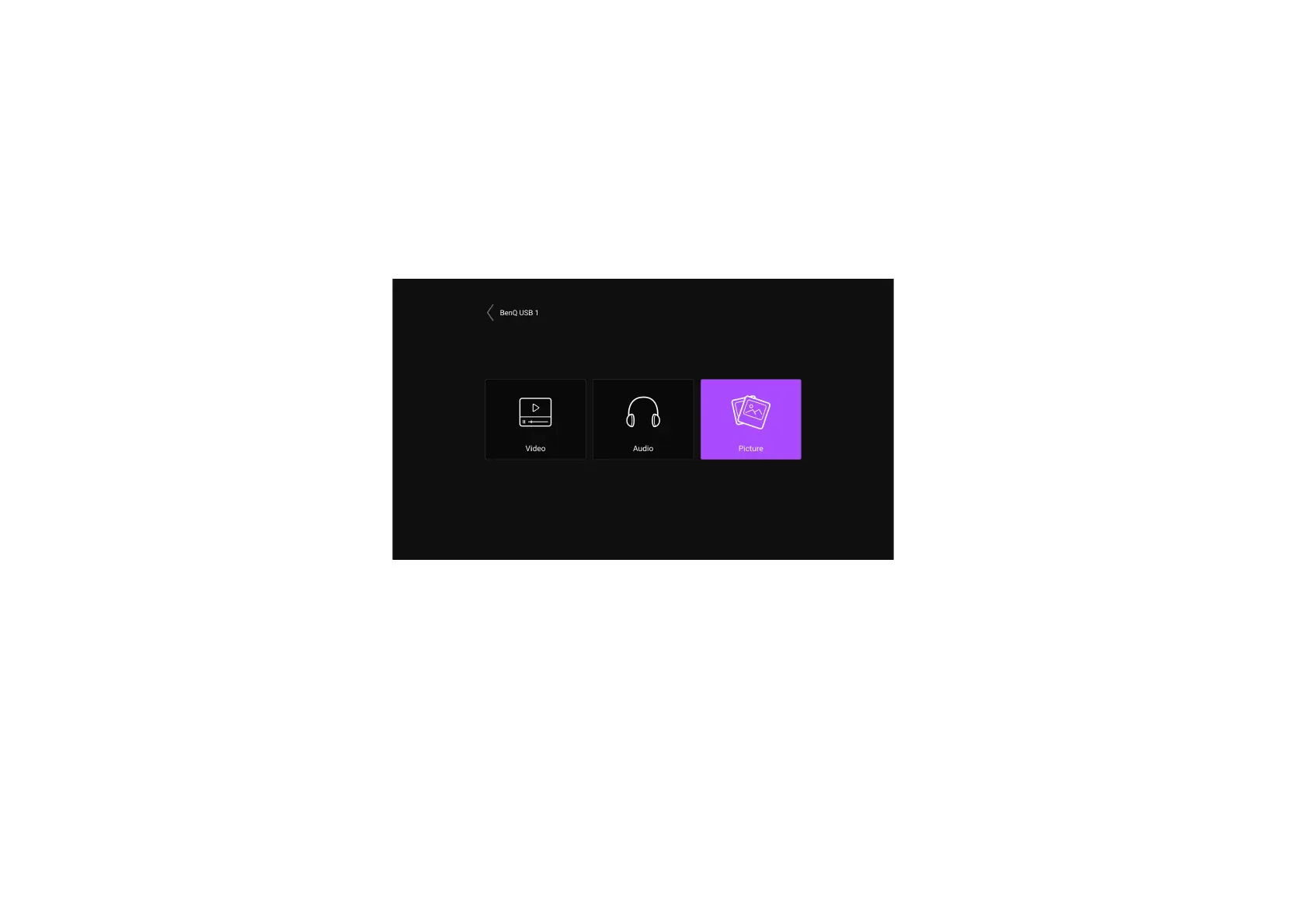
1. Connect the USB flash drive to the USB port. A pop-up notification will appear indicating that a storage device is connected.
2. Select the type of media file you want to play.
3. Navigate to and select the media file you want play. The projector’s media player will launch.


 To Next Page