35
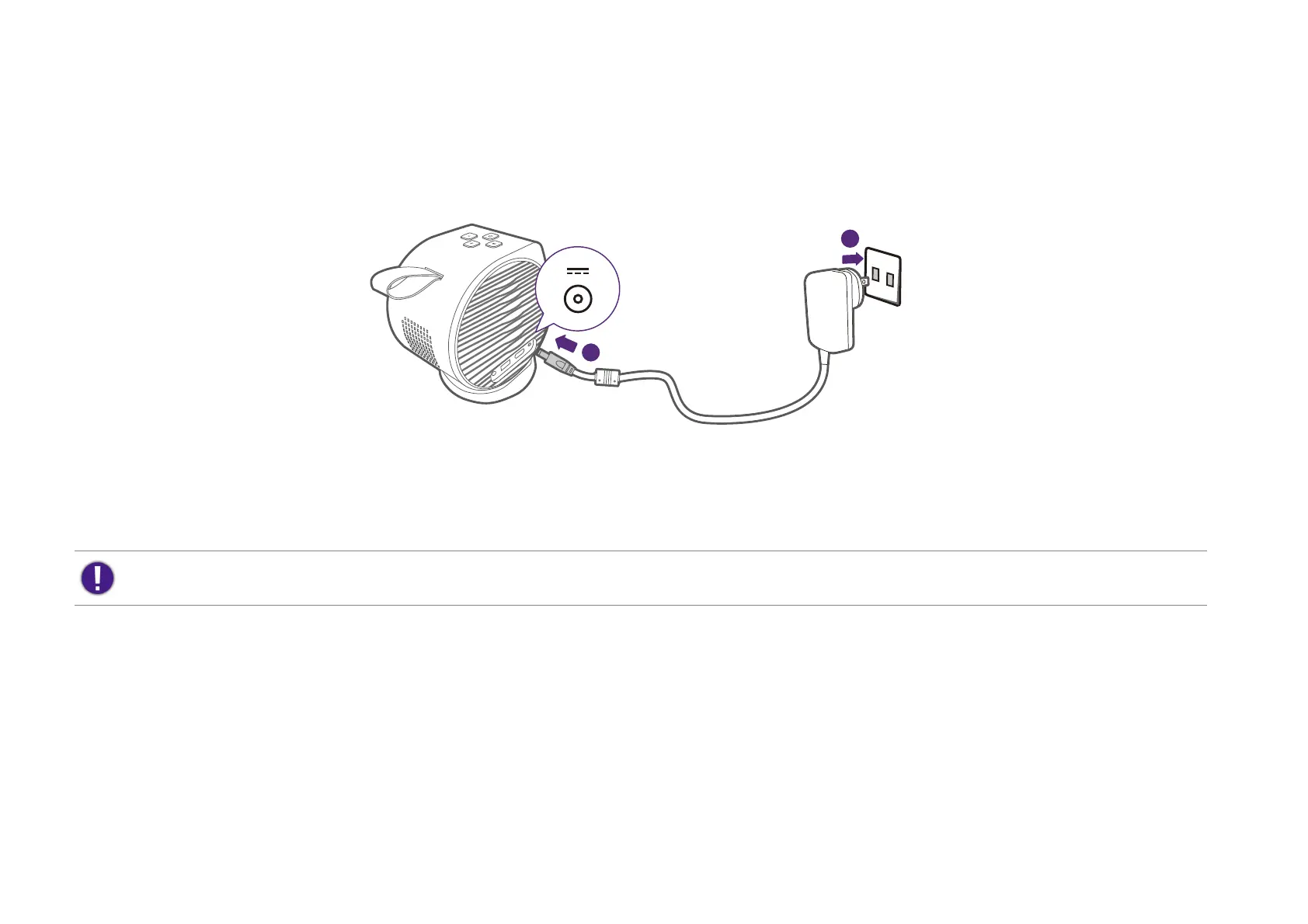
Charging the battery
1. Make sure the appropriate plug has been properly assembled as instructed in Assembling the adapter (page 34). Connect the adapter to the power
adapter port.
2. Connect the power cord to a power outlet.
The power LED indicator will illuminate according to its charge status, for a full charge wait until the indicator lights up solid green (see LED indicators
on page 18 for more information on LED behavior). It takes about 2.5 hours.
Starting up the projector
1. Install the provided ATV dongle into the designated HDMI port. See Installing the ATV dongle on page 32 for details.
2. If you are starting up the projector for the first time, charge the battery or supply power to the projector until the power LED lights up in green
as indicated in Charging the battery on page 35. It takes about 2.5 hours.
If you are starting up the projector for the first time, it is suggested that the projector is within range of a wireless access point (e.g. a router) with a stable Internet
connection as some optional steps during the setup process require Internet access.
1
2



 To Next Page