36 Menu operation
SYSTEM SETUP: ADVANCED menu
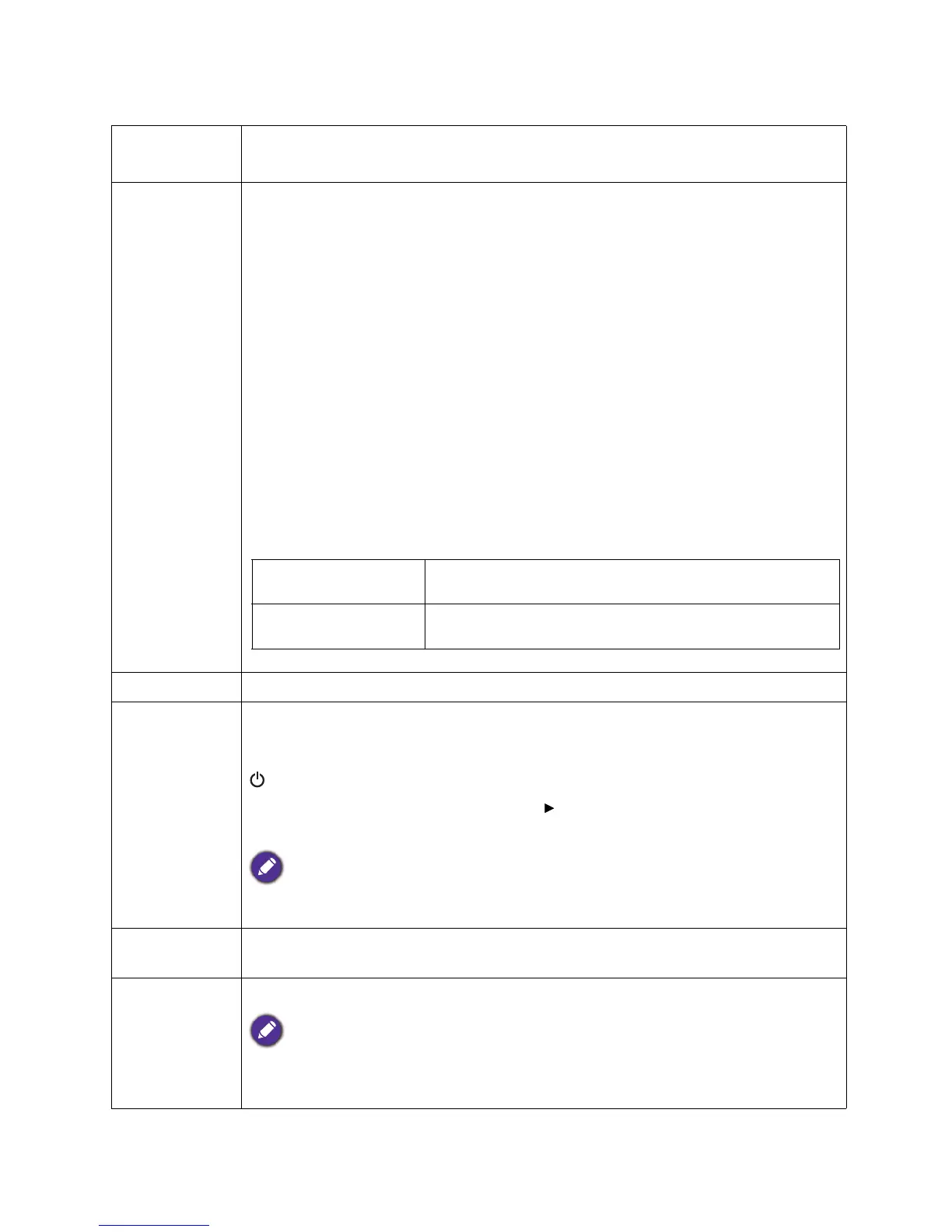
Lamp Settings
• Reset Lamp Timer: See Resetting the lamp timer on page 43.
• Lamp Timer: See Getting to know the lamp hour on page 39.
HDMI
Settings
• HDMI Range
Selects a suitable RGB color range to correct the color accuracy.
• Auto: Automatically selects a suitable color range for the incoming HDMI
signal.
• Full: Utilizes the Full range RGB 0-255.
• Limited: Utilizes the Limited range RGB 16-235.
• CEC
When you connect an HDMI CEC-compatible device to your projector with an
HDMI cable, turning on the HDMI CEC compatible device automatically turns on
the projector, while turning off the projector automatically turns off the HDMI CEC
compatible device.
• Power On Link/Power Off Link
When you connect an HDMI CEC-compatible device to your projector with an
HDMI cable, you can set the behavior of powering on/off between the device and
the projector.
Password See Utilizing the password function on page 21.
Key Lock
With the control keys on the projector and remote control locked, you can prevent
your projector settings from being changed accidentally (by children, for example).
When the Key Lock is on, no control keys on the projector will operate except
POWER.
To release panel key lock, press and hold (the right key) on the projector or
remote control for 3 seconds.
If you turn off the projector without disabling panel key lock, the projector will still be in locked
status the next time it is turned on.
LED Indicator
You can turn off the LED warning lights. This is to avoid any light disturbance when
viewing images in a dark room.
Reset All
Settings
Returns all settings to the factory preset values.
The following settings will still remain: Picture Mode, User Mode Management, Brightness,
Contrast, Color, Tint, Sharpness, Advanced, Projector Position, LAN Settings, Source
Rename, and Password.








 To Next Page