English
28
Notice (when edge blending)
• To avoid the image shaking or some pixels in the display may be misaligned, do not use the
projector in the following location:
• In a building close to a construction site.
• In a room where an air conditioner unit is working and it vibrates.
• In a place where the temperature changes dramatically that may cause thermal contraction.
• Before making any adjustment, leave the projector lit for at least 45 minutes after its light
source is turned on. This allows he internal temperature of the projector to stabilize.
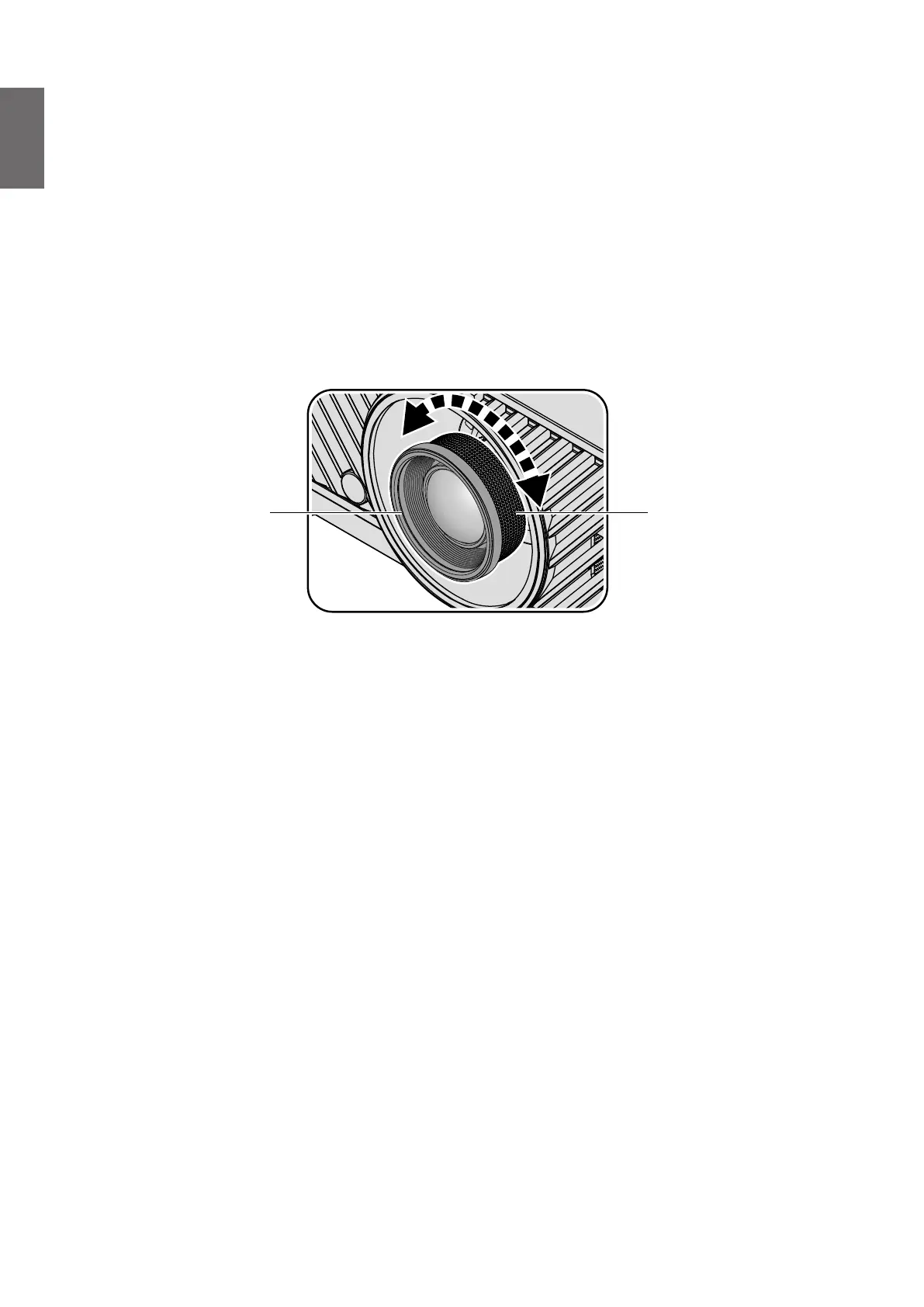
Adjusting the Zoom/Focus
You may turn the zoom ring to zoom in or out. To focus the image, rotate the focus ring until the
image is clear. The projector will focus at distances. See page 23.
Zoom ringFocus ring



 To Next Page