English
47
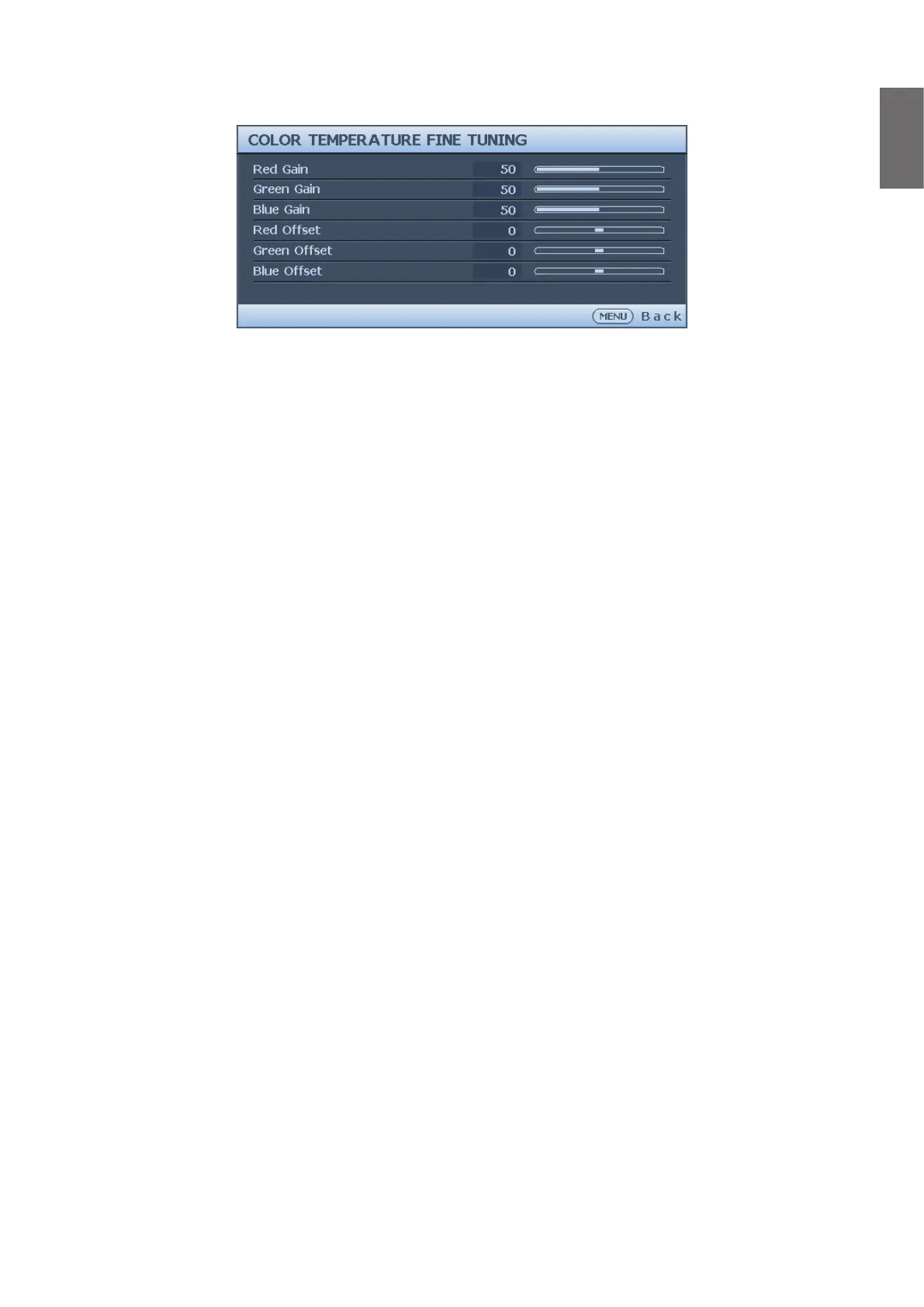
Color Temperature Fine Tuning menu
• R Gain
Press
◄
/
►
to adjust the Red Gain.
• G Gain
Press
◄
/
►
to adjust the Green Gain.
• B Gain
Press
◄
/
►
to adjust the Blue Gain.
• R Offset
Press
◄
/
►
to adjust the Red Offset.
• G Offset
Press
◄
/
►
to adjust the Green Offset.
• B Offset
Press
◄
/
►
to adjust the Blue Offset.
To set a preferred color temperature:
1. Highlight Color Temperature and select Warm, Normal or Cool by pressing
◄
/
►
on
the projector or remote control.
2. Press
▼
to highlight Color Temperature Fine Tuning and press ENTER. The Color
Temperature Fine Tuning page appears.
3. Press
▲
/
▼
to highlight the item you want to change and adjust the values by pressing
◄
/
►
.
• R Gain/G Gain/B Gain: Adjusts the contrast levels of Red, Green, and Blue.
• R Offset/G Offset/B Offset: Adjusts the brightness levels of Red, Green, and Blue.
4. Press MENU to exit and save the settings.



 To Next Page