English
55
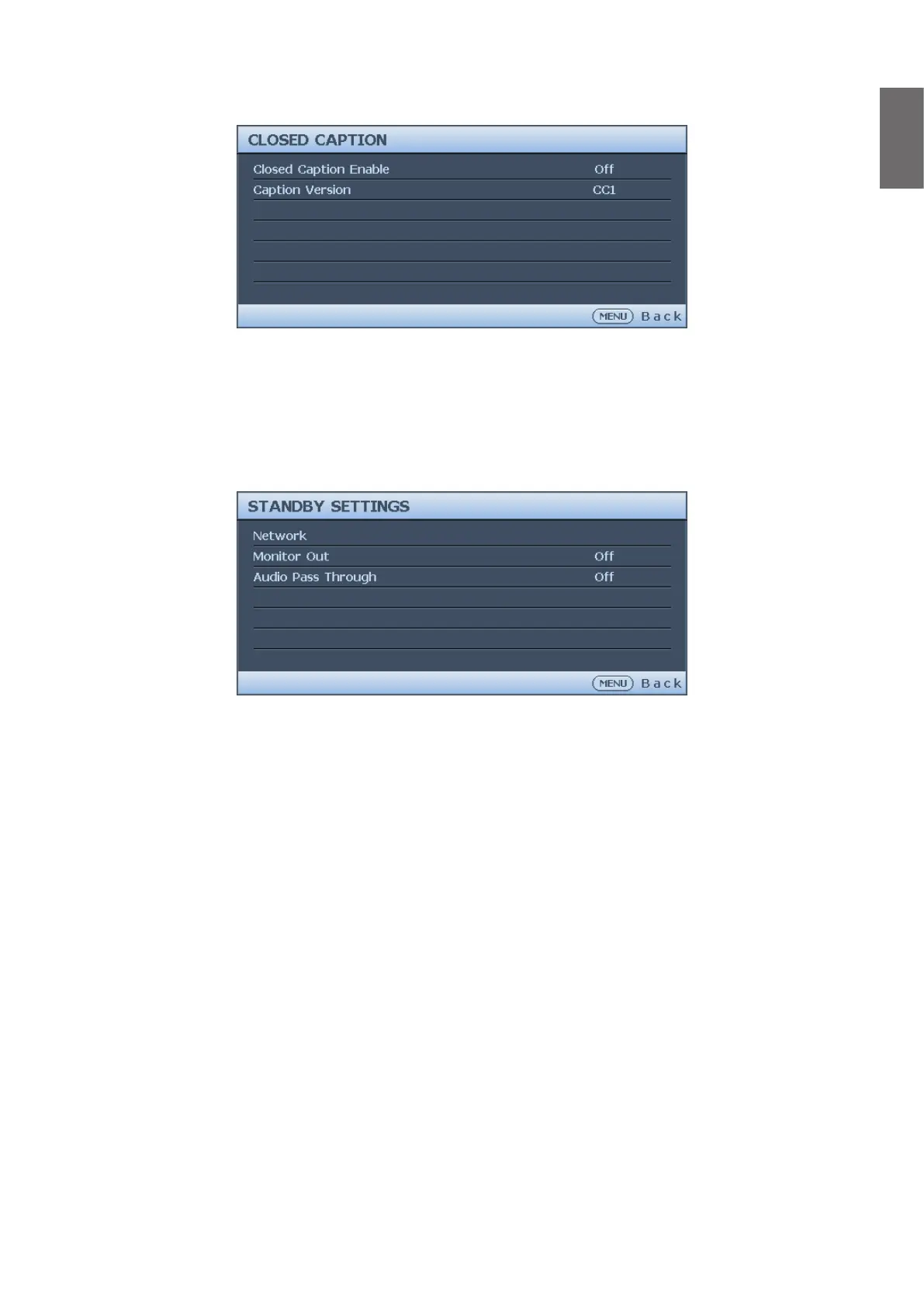
Closed Caption menu
• Closed Caption Enable
Press
◄
/
►
to enable or disable the closed caption function.
• Caption Version
Press
◄
/
►
to select the closed captioning mode. The options are CC1, CC2, CC3 and CC4.
Standby Settings menu
• Network
Press ENTER to enable the network function when the projector is in standby mode.
• Monitor Out
Press
◄
/
►
to enable or disable the monitor out function when the projector is in standby
mode.
• Audio Pass Through
Press
◄
/
►
to enable the audio line-out function when the projector is in standby mode. The
options are Audio In, Audio L/R, HDMI 1, HDMI 2 / MHL and Off.



 To Next Page