English
39
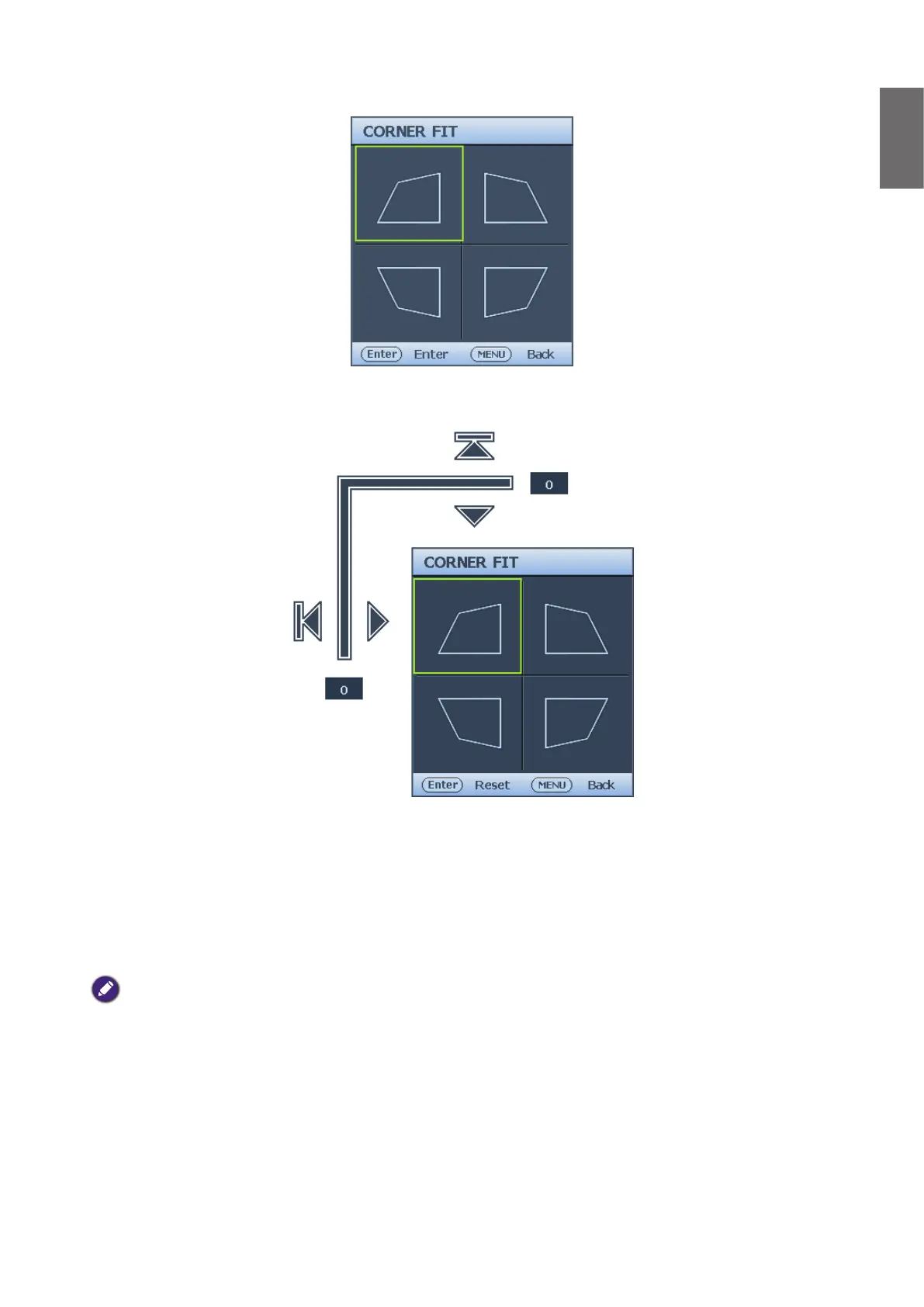
3. Press
▲
/
▼
/
◄
/
►
to select one of the four corners and press ENTER.
4. Press
▲
/
▼
to adjust vertical values from 0 to 60.
5. Press
◄
/
►
to adjust horizontal values from 0 to 60.
Auto adjusting the image
In some cases, you may need to optimize the picture quality. To do this, press AUTO on the
projector or remote control. Within 3 seconds, the built-in Intelligent Auto Adjustment function
will re-adjust the values of Frequency and Clock to provide the best picture quality.
The current source information will be displayed in the upper left corner of the screen for 3
seconds.
Note:
• The screen will be blank while AUTO is functioning.
• This function is only available when PC signal (analog RGB) is selected.



 To Next Page