10 Introduction
8.
Increases the projector volume.
9. SOURCE
Displays the source selection bar.
10. Arrow keys ( , , , )
When the On-Screen Display (OSD) menu is
activated, these keys are used as directional
arrows to select the desired menu items and
to make adjustments.
11. Source selection buttons: COMPUTER 1,
COMPUTER 2, VIDEO, S-VIDEO, HDMI
Selects an input source for display.
NETWORK
(No function.)
12. LASER
Emits visible laser pointer light for
presentation purposes.
13. MHL control buttons
( Previous, Play/Pause, Next,
Rewind, Stop, Fast-forward)
Goes to the previous file/Plays/Pauses/Goes to
the next file/Rewinds/Stops/Fast-forwards
during media playback.
Only available when controlling your smart
device in MHL mode.
14. ZOOM+/ZOOM-
Magnifies or reduces the projected picture
size.
15. PAGE+/PAGE-
Operate your display software program (on a
connected PC) which responds to page
up/down commands (like Microsoft
PowerPoint).
16. FREEZE
Freezes the projected image.
17. NETWORK SETTING
Displays the QUICK INSTALL OSD menu.
18. QUICK INSTALL
Quickly selects several functions to adjust the
projected image and displays the test pattern.
19. MIC/VOL+/MIC/VOL-
(No function.)
20. MUTE
Toggles projector audio between on and off.
21. ASPECT
Selects the display aspect ratio.
22. SMART ECO
Displays the Lamp Mode menu for selecting
a suitable lamp operating mode.
23. Numeric buttons
Enters numbers in network settings.
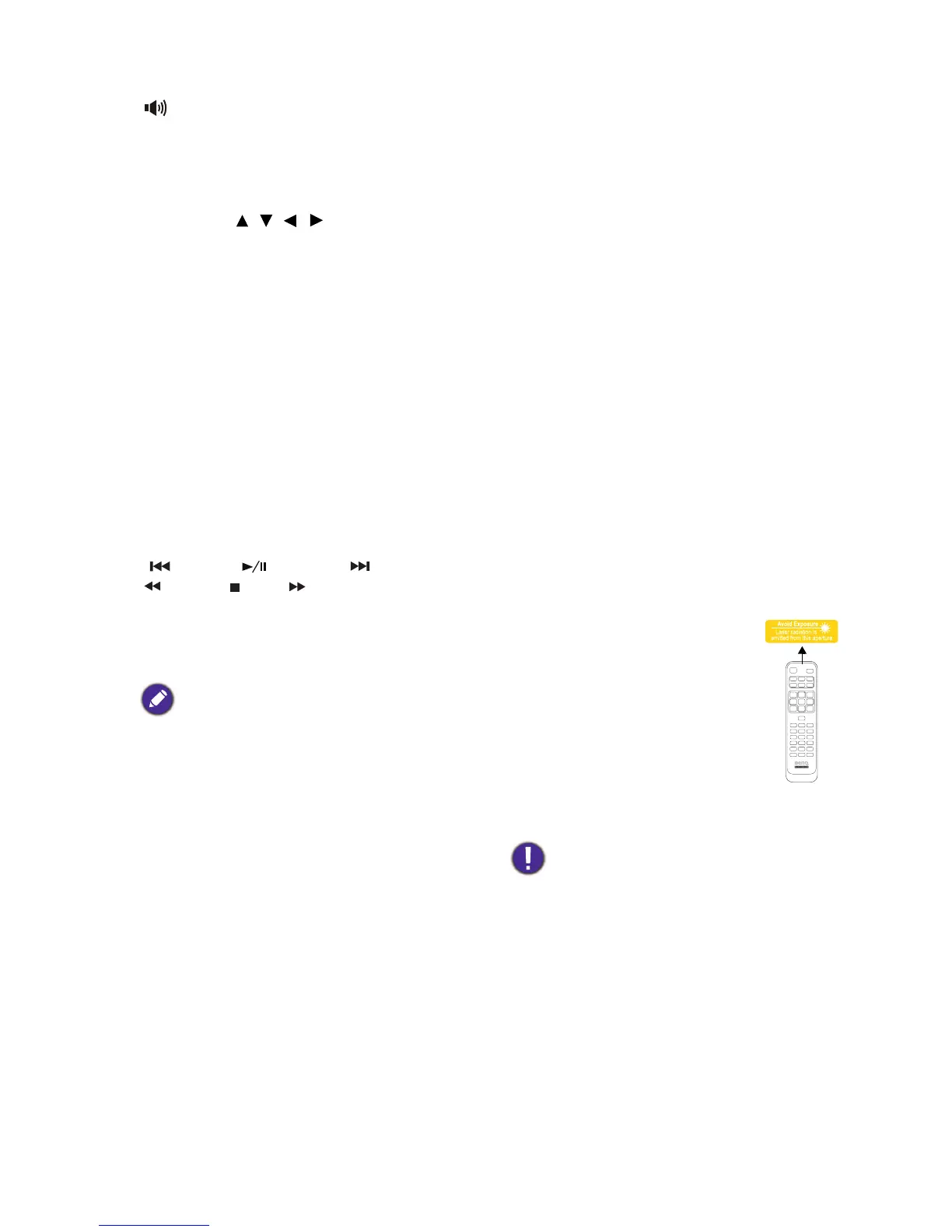
Operating the LASER pointer
The Laser Pointer is a presentation
aid for professionals. It emits red
colored light when you press it. The
laser beam is visible. It is necessary to
press and hold LASER for
continuous output.
The laser pointer is not a toy. Parents
should be mindful of the dangers of
laser energy and keep this remote
control out of the reach of children.
Do not look into the laser light window or
shine the laser light beam on yourself or others.
See the warning messages on the back of the
remote control prior to using it.



 To Next Page