12 Positioning your projector
Positioning your projector
Choosing a location
Before choosing an installation location for your projector, take the following factors into consideration:
• Size and position of your screen
• Electrical outlet location
• Location and distance between the projector and the rest of your equipment
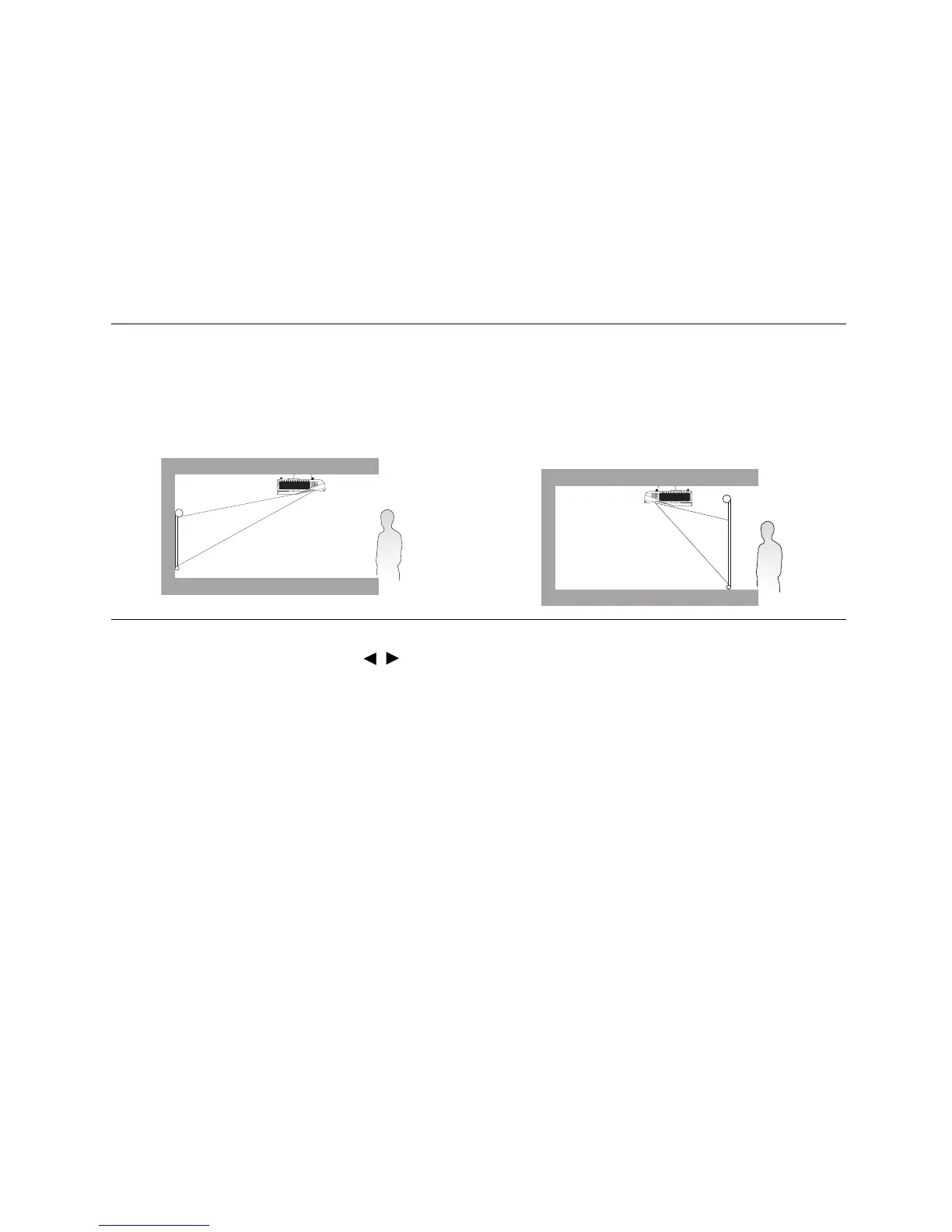
You can install your projector in the following ways.
After turning on the projector, go to SYSTEM SETUP: BASIC > Projector Installation >
Projector Installation and press / to select a setting.
You can also use QUICK INSTALL on the remote control to access this menu.
1. Front Ceiling
Select this location with the projector suspended
upside-down in front of the screen. Purchase the
BenQ Projector Ceiling/Wall Mount Kit from your
dealer to mount your projector on the ceiling.
2. Rear Ceiling
Select this location with the projector suspended
upside-down behind the screen. Note that a
special rear projection screen and the BenQ
Projector Ceiling/Wall Mount Kit are required for
this installation location.



 To Next Page