13 Positioning your projector
Obtaining a preferred projected image size
The distance from the projector lens to the screen, the zoom setting (if available), and the video format
each factors in the projected image size.
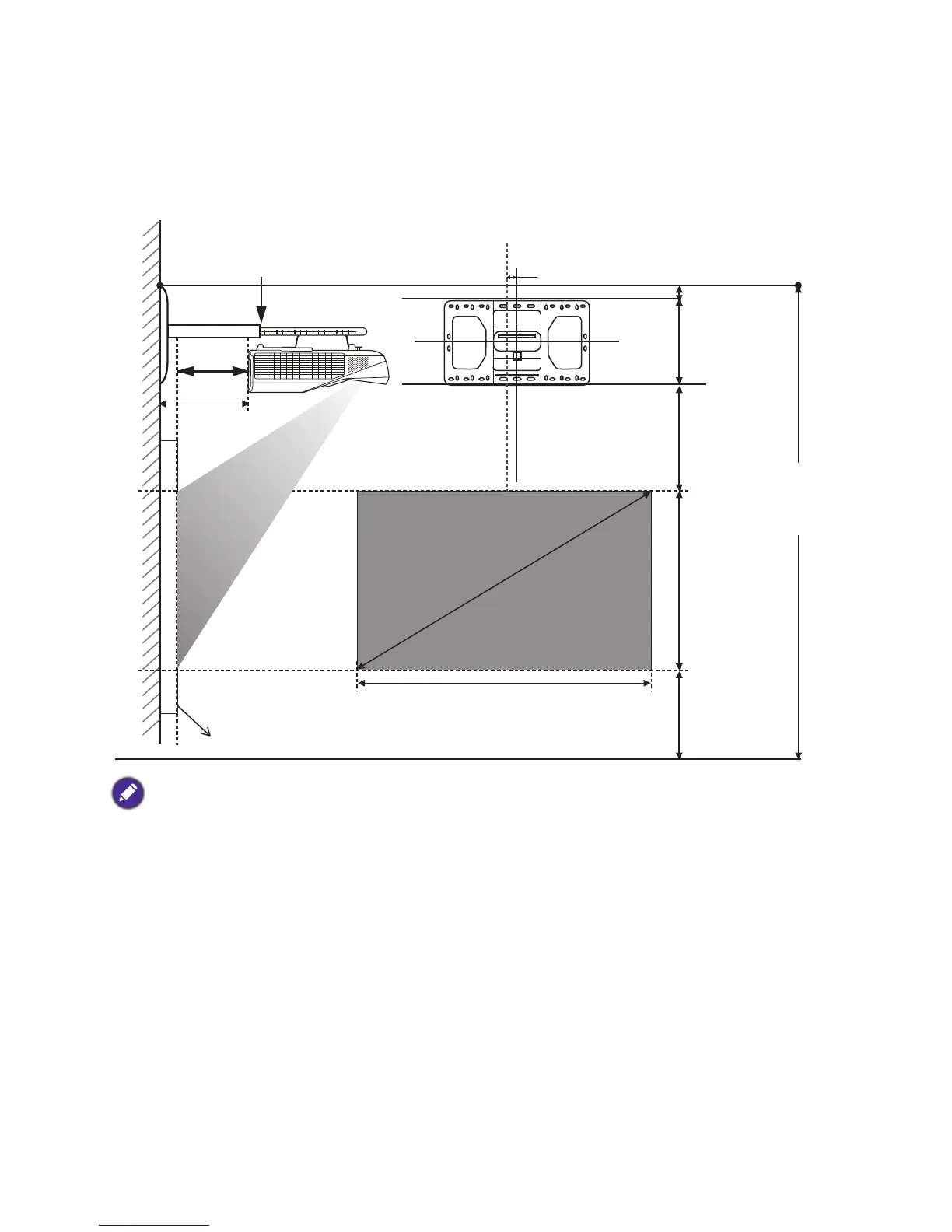
Projection dimensions
• Installation distance D is measured from the projector rear side to the wall surface, which is also indicated on the
scale of the wall mount.
• Projection distance a is measured from the projector rear side to the projection surface.
• Vertical offset V is measured from the bottom edge of the wall plate to the top edge of screen.
a
D
V
M
W
F
h
X



 To Next Page