Setting up the display 8
Mounting in portrait orientation (for ST4302S & ST5502S only)
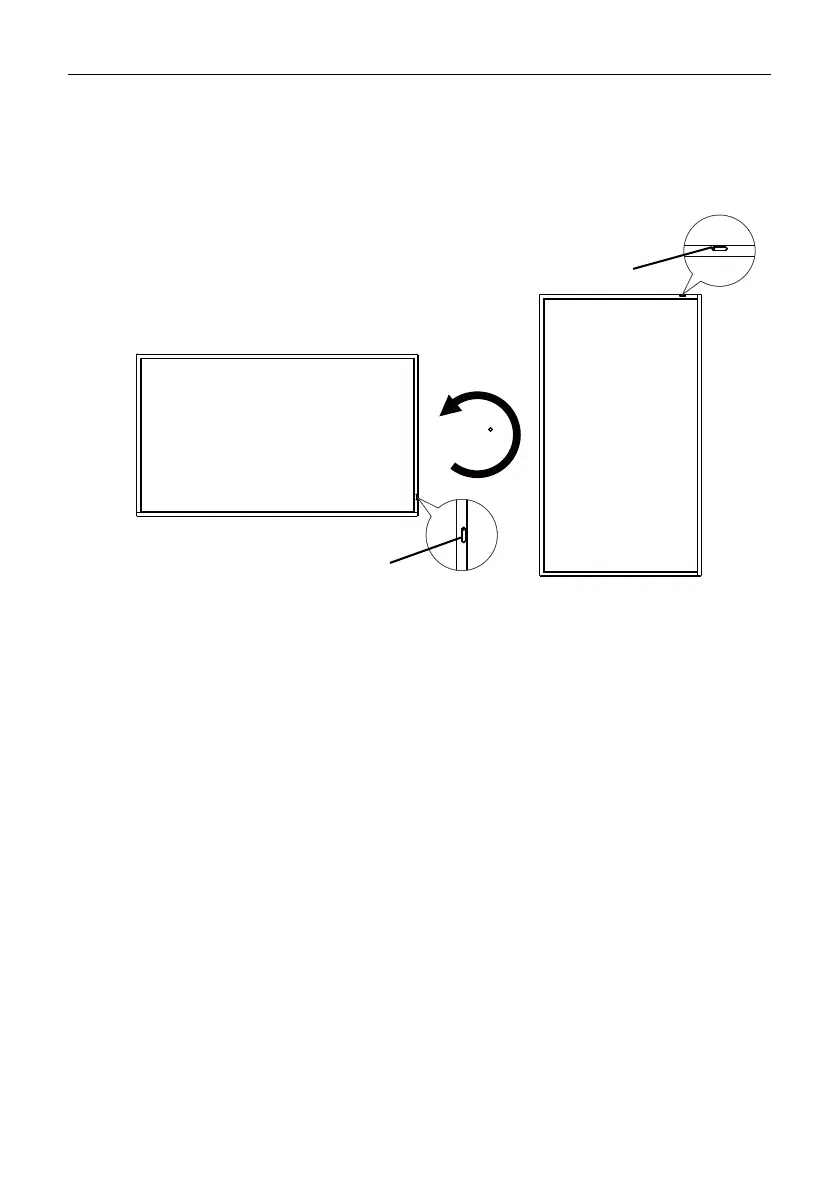
This display can be installed in both landscape and portrait orientation.
When mounting the display in portrait orientation, rotate the display 90 degrees
counter-clockwise as illustrated ensuring that the IR sensor of the display is orientated
toward the top of the display.



 To Next Page