OSD menu operations 30
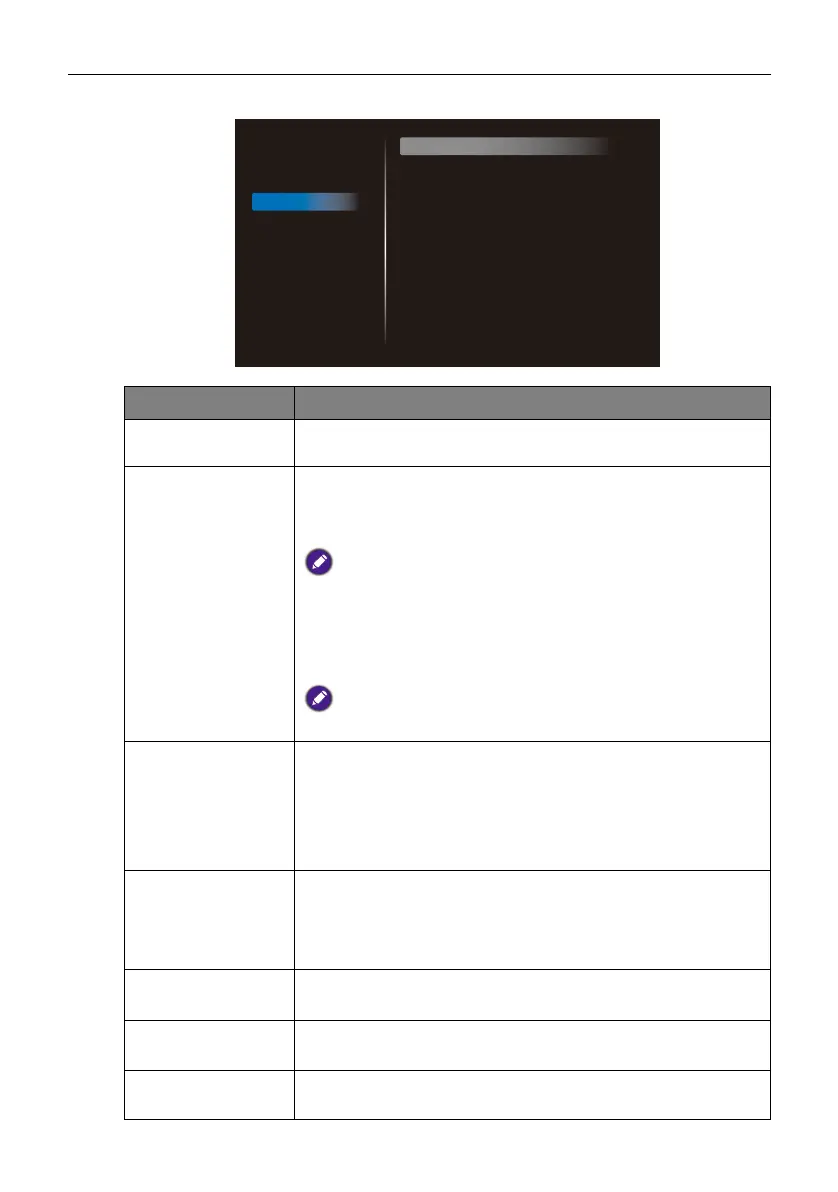
Configuration 1
Menu Description
Switch on state Sets the power-on status of the display (Power off / Forced
on / Last status).
Panel saving Reduces the image persistence or image burn-in.
• Brightness: If enabled, the brightness of the display will be
automatically adjusted to an appropriate level (Off / On).
If enabled, the Brightness setting in the Picture menu will be
locked.
• Pixel Shift: Shifts the image shown on the screen after a
specified period of time to prevent image persistence of the
display (Auto / 10 to 900 seconds / Off).
Activating Pixel Shift will disable H position, V position, and
Zoom mode in the Screen menu.
RS232 routing
Sets the RS232 routing path.
• RS232: RS232 commands are transmitted via the RS232 IN
and RS232 OUT port.
• LAN RS232: RS232 commands are transmitted via the
RJ45 port.
Boot on source Sets the input source that the display automatically opens to
when powered on.
• Input: Sets the input source when booting up.
• Playlist: Selects playlist when booting up.
WOL
Allows the display to be turned on by a network message (Off
/ On).
Configuration 1
reset
Resets all settings in the Configuration 1 menu to factory
settings (CANCEL / Reset).
Factory reset Resets all custom settings on the display to factory settings
(CANCEL / Reset).
Picture
Screen
Audio
Configuration 1
Configuration 2
Advanced option
Switch on state
Panel saving
RS232 routing
Boot on source
WOL
Configuration1 reset
Factory reset
Force on
Action
RS232
Action
Off
Action
Action



 To Next Page