OSD menu operations 28
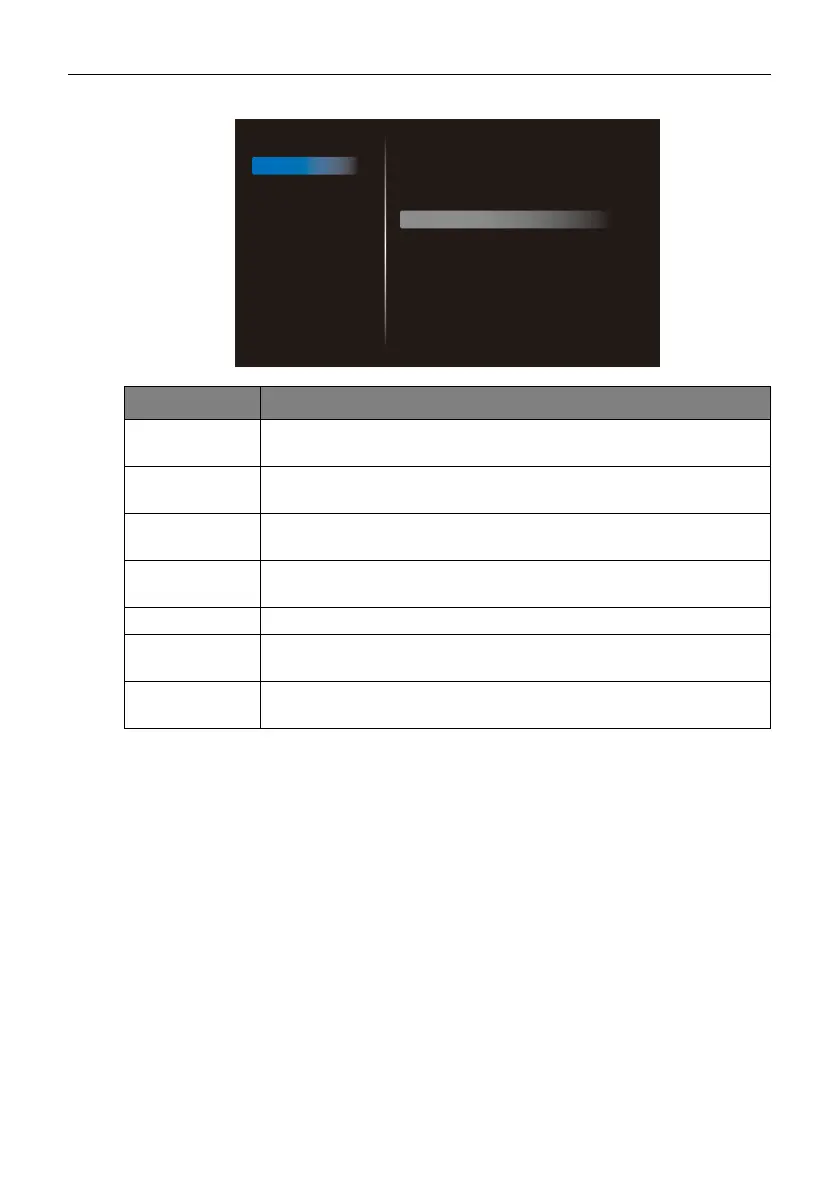
Screen
Menu Description
H position Adjusts the horizontal position of the video from the VGA IN input
source (0 to 100).
V position Adjusts the vertical position of the video from the VGA IN input
source (0 to 100).
Clock Adjusts the width of the video from the VGA IN input source (0 to
100).
Clock phase Adjusts the clarity of the video from the VGA IN input source (0 to
100).
Zoom mode
Sets the zoom level (Full / 4:3 / Real).
Auto adjust Enables Auto adjust to optimize the video from the VGA IN input
source (CANCEL / OK).
Screen reset Resets all settings in the Screen menu to factory settings
(CANCEL / Reset).
Picture
Screen
Audio
Configuration 1
Configuration 2
Advanced option
H position
V position
Clock
Clock phase
Zoom mode
Auto adjust
Screen reset
50
50
50
22
Full
Action
Action



 To Next Page