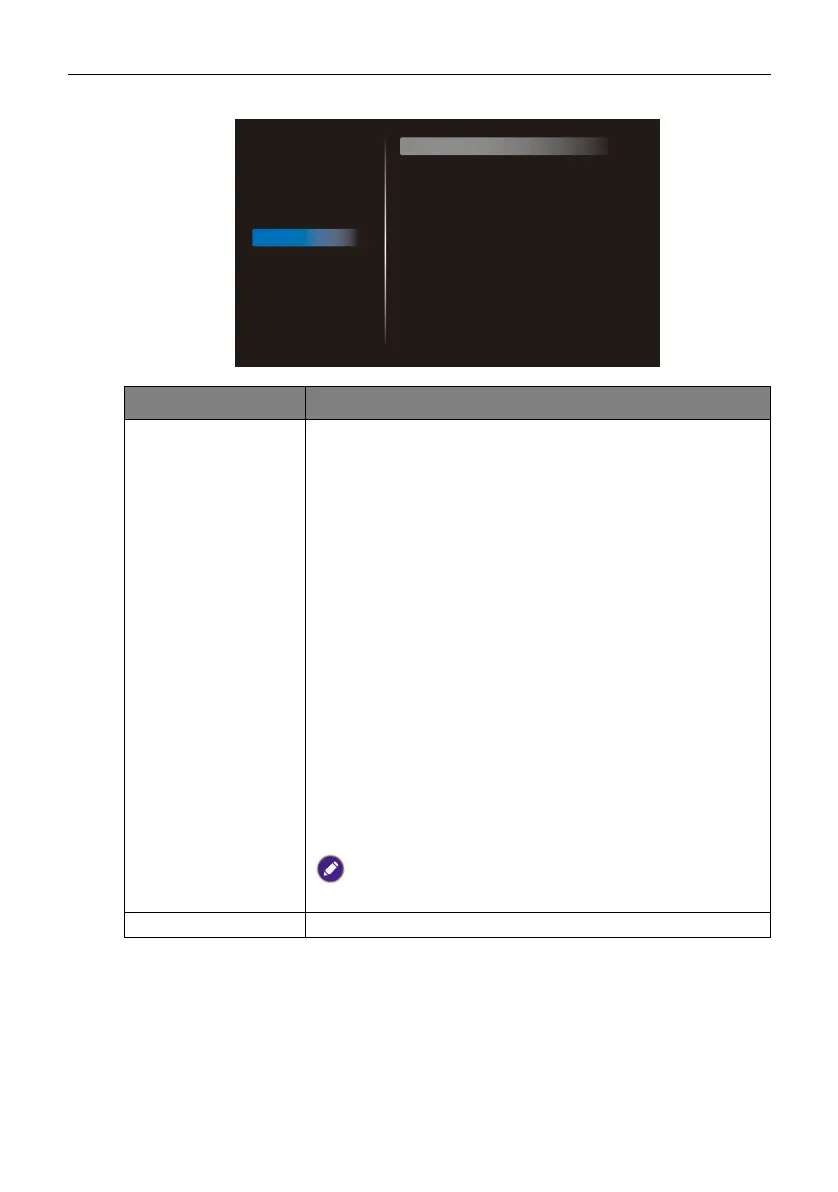
OSD menu operations 32
Advanced option
Menu Description
IR control Allows you to control several displays simultaneously using
one remote control when the displays are daisy chained
together via the RS232 IN and RS232 OUT port.
• Unlock: Allows you to control the displays.
• Lock All: Locks the displays.
• Lock All but Volume: Only allows you to adjust the
volume of the displays.
• Lock All but Power: Only allows you to turn on/off the
displays.
• Lock All except PWR & VOL: Only allows you to turn
on/off the displays and adjust the volume of the displays.
• Primary: Designates a display as the primary display. Only
the primary display will receive the commands from the
remote control.
• Secondary: Designates a display as the secondary display.
The secondary display will not accept any commands from
the remote control but the RS232 commands from the
primary display.
To unlock, press and hold INFO on the remote control for 6
seconds.
Power LED Light Turns the power status LED on/off (On / Off).
Picture
Screen
Audio
Configuration 1
Configuration 2
Advanced option
IR control
Power LED Light
Keyboard control
Tiling
Off Timer
Date and time
Schedule
HDMI with One Wire
Auto signal detection
Language
OSD transparency
Unlock
On
Unlock
Action
Off
Action
Action
Off
Off
English
Off



 To Next Page