Parts of the display and their functions 12
Left Side
USB2.0
USB2.0
RS232
OUT
RS232
IN
IR-IN
IR-OUT
1
2
3
4
5
6
7
MICRO SD
1
2
3
4
5
6
7
8
HDM3 IN
USB2.0
USB2.0
MICRO SD
RS232
OUT
RS232
IN
IR-IN
IR-OUT
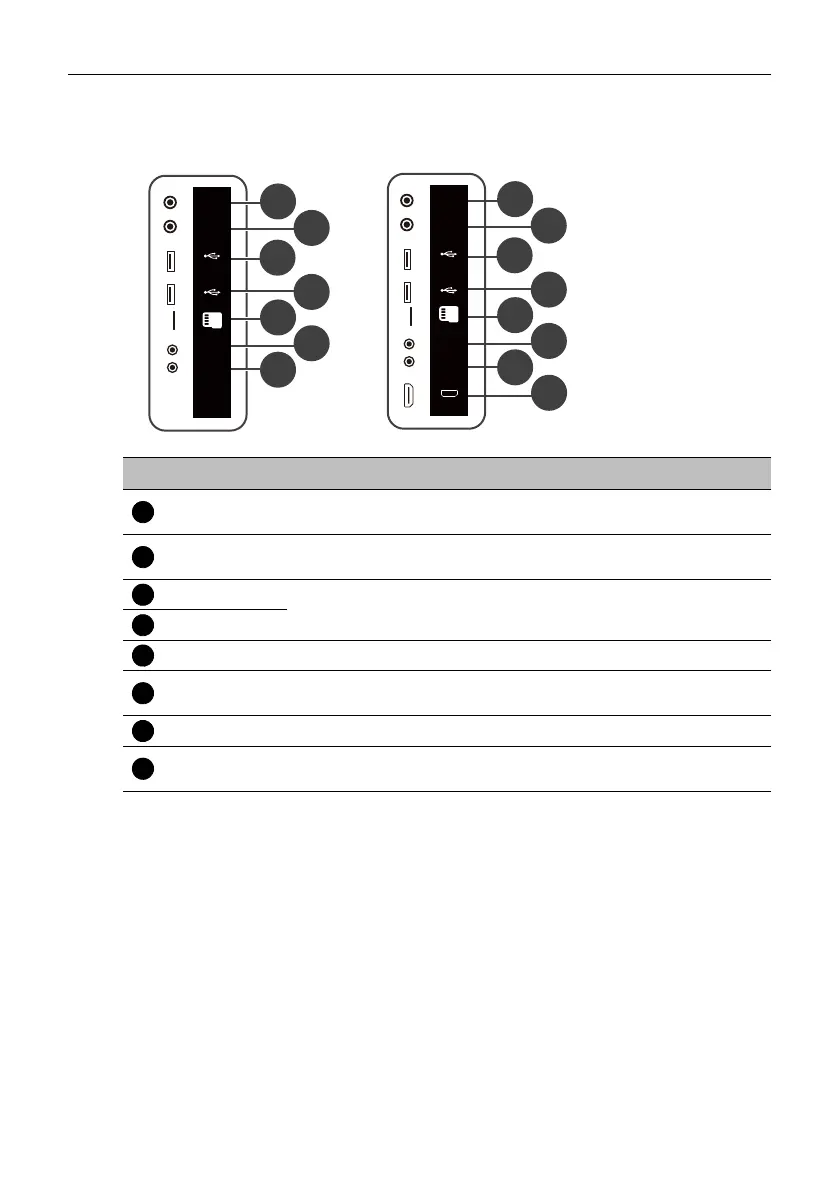
ST4302S & ST5502S
ST6502S & ST7502S & ST8602S
No. Name Description
RS232 OUT
Connects with the serial I/O input connector of a device to
transfer data.
RS232 IN
Connects with the serial I/O output connector of a device to
receive data.
USB2.0
Connects with a USB 2.0 flash drive to play media files stored on
the drive.
USB2.0
MICRO SD Accepts microSD cards to play media files stored on the card.
IR-OUT
Connects with an external A/V device through an IR extension
cable to transfer signals from the IR sensor.
IR-IN Connects with an external IR receiver.
HDMI3 IN
Connects with devices transmitting audio/video using the HDMI
interface.



 To Next Page