Connection17
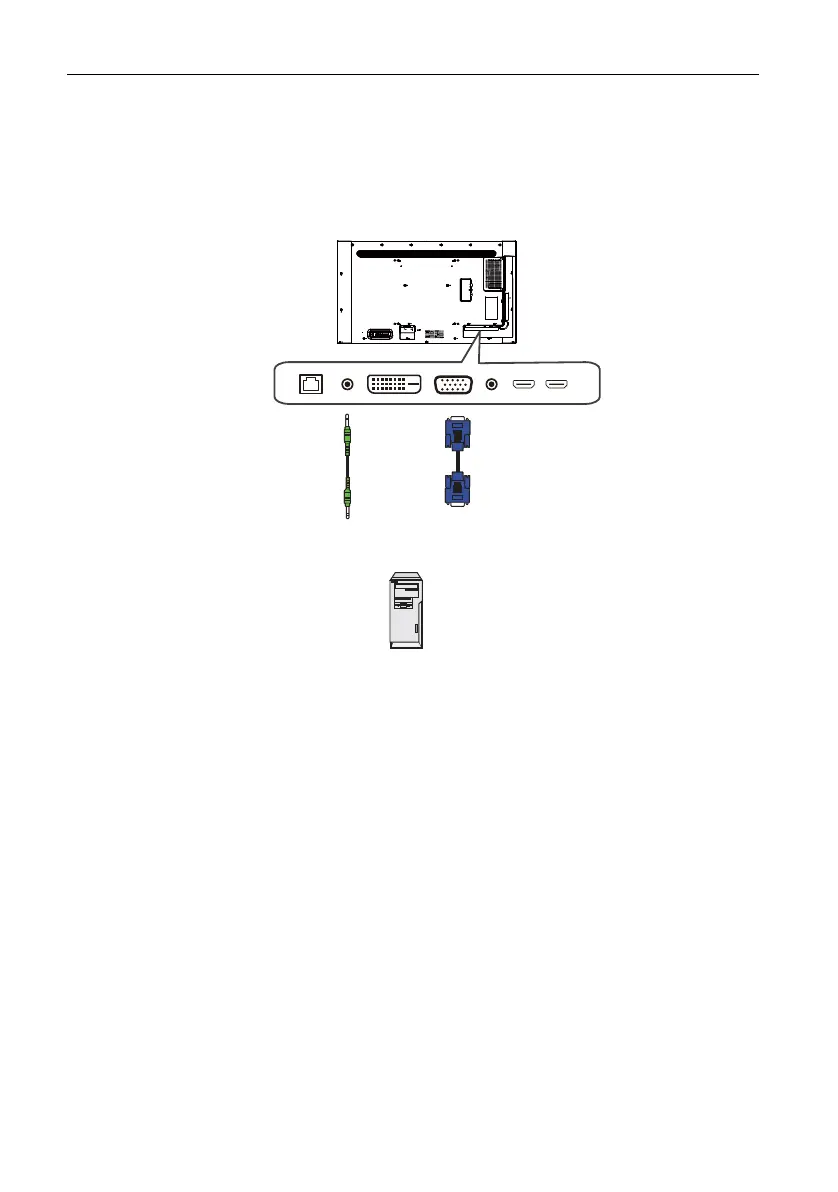
Connecting the analog input
1. Connect the VGA IN jack on the display to the VGA output jack on a computer
using a D-Sub (15-pin) cable.
2. Connect the computer’s audio output jack to the PC LINE IN jack on the display
using a suitable audio cable.
3. Press INPUT and then select VGA from the input source menu.
Audio
cable
Computer
D-Sub (15-pin)
cable



 To Next Page