System interface 50
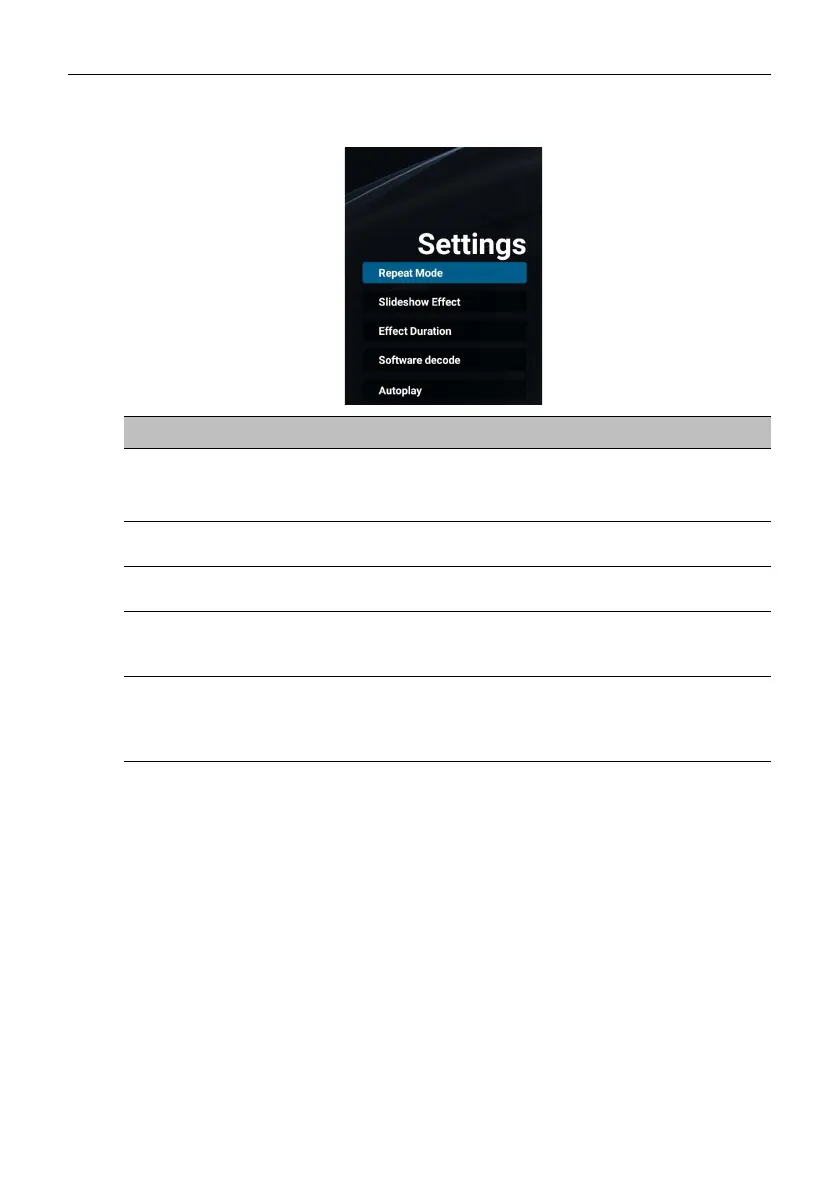
Settings
You can set the audio/video effects for the playback of your media files.
Menu Description
Repeat Mode
Sets the repeat mode of the playlists.
• Repeat once: Repeats the selected playlist.
• Repeat all: Repeats all playlists.
Slideshow Effect
Sets the transition effects for the slideshow of your
photos (Right to left / Fold / Corner / None).
Effect Duration
Sets the duration for the selected transition effect for
photo slideshows (5s / 10s / 15s / 20s).
Software decode
Allows the system to decode the next video file in
advance so that your video content can be played
seamlessly (Enable / Disable).
Autoplay
Allows you to automatically play photos, audio files or
video files stored on a USB flash drive or microSD card
connected to USB2.0 port or TF port at the left side of
the display.



 To Next Page