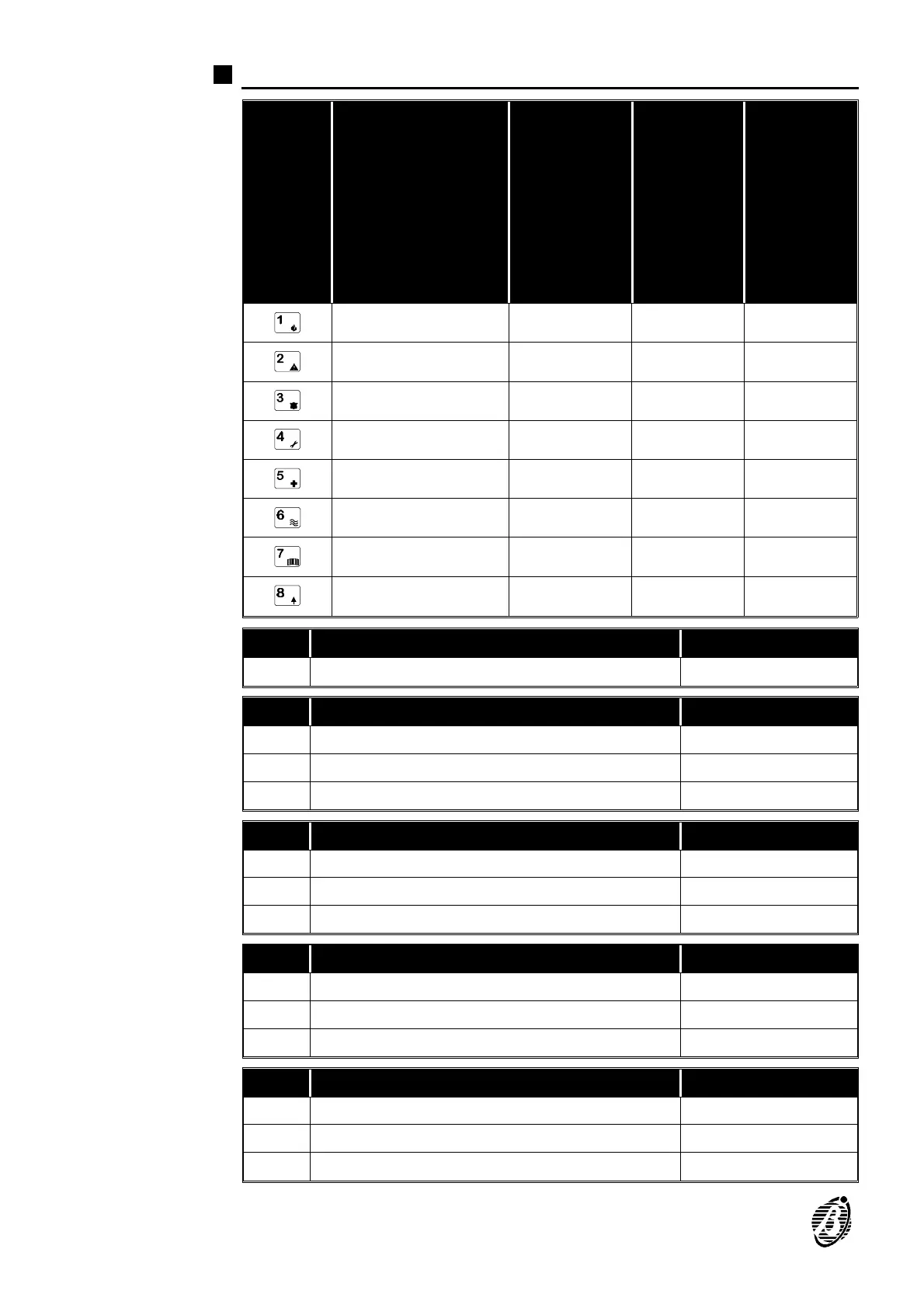
Key readers 1 through 8 parameters (Addresses 10 through 34)
KEYS
KEY READERS IN
CONFIGURATION
ON=In
configuration
OFF=Not in
configuration
ASSIGNED
PARTITIONS
ON=Assigned
OFF=Not
Assigned
ARMING
MODE A
Green LED
ON=Arm
OFF=Disarm
ARMING
MODE B
Amber LED
ON=Arm
OFF=Disarm
Key reader 1 Partition 1 Partition 1 Partition 1
Key reader 2 Partition 2 Partition 2 Partition 2
Key reader 3 Partition 3 Partition 3 Partition 3
Key reader 4 Partition 4 Partition 4 Partition4
Key reader 5 - - -
Key reader 6 - - -
Key reader 7 - - -
Key reader 8 - - -
Add. Key Readers 1 through 8 in configuration Data
10 key readers (1 through 8) in configuration u
Add. Key Reader 1 parameters Data
11 Assigns partitions î
12 Amber LED - Arming mode A î
13 Green LED - Arming mode B u
Add. Key Reader 2 parameters Data
14 Assigns partitions î
15 Amber LED - Arming mode A î
16 Green LED - Arming mode B u
Add. Key Reader 3 parameters Data
17 Assigns partitions î
18 Amber LED - Arming mode A î
19 Green LED - Arming mode B u
Add. Key Reader 4 parameters Data
20 Assigns partitions î
21 Amber LED - Arming mode A î
22 Green LED - Arming mode B u
12 Security System Control panel









 To Next Page