Events (Addresses 291 through 418)
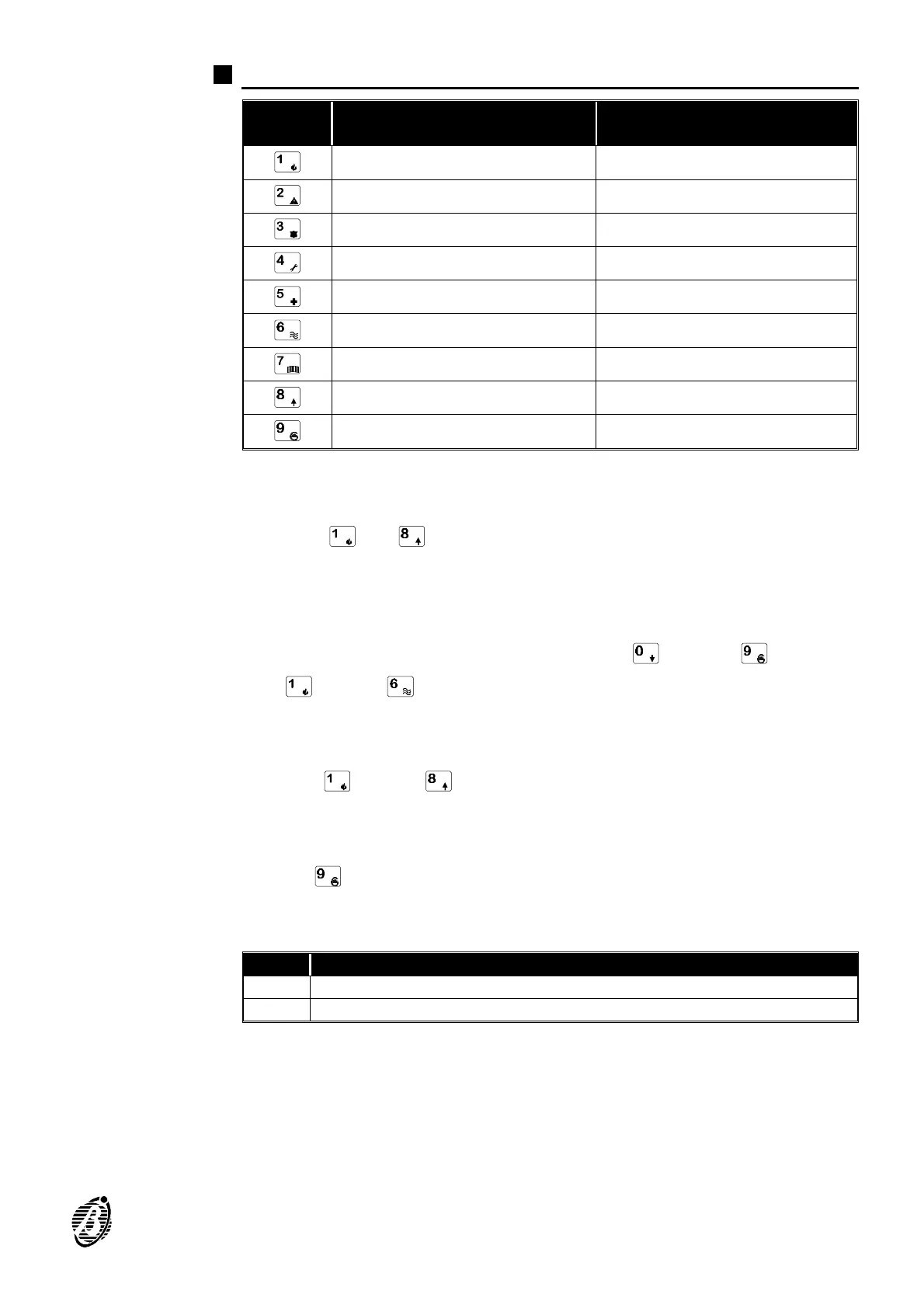
KEYS
TELEPHONE NUMBERS
TO BE DIALLED
VOICE MESSAGE
TO BE SENT
Telephone number 1 Voice message 1
Telephone number 2 Voice message 2
Telephone number 3 Voice message 3
Telephone number 4 Voice message 4
Telephone number 5 Voice message 5
Telephone number 6 Voice message 6
Telephone number 7 Voice message 7
Telephone number 8 Voice message 8
- No Voice message
Assign the telephone numbers, the event code, the voice messages to
each of the 128 events (refer to the table on the following page).
Telephone
numbers
Use keys and to select the telephone numbers to dial for the event
in question.
Key ON = Telephone number will be dialled
Key OFF = Telephone number will not be dialled
Event code Assign a 2 digit code to each event. Use keys through and super
keys through for HEX digits A, B, C, D, E and F.
+
The event with code 00 will not generate calls to the Central station.
Voice message Use keys through to assign a Voice message to the event.
Key ON = Voice message will be sent
Key OFF = Voice message will not be sent
Use key to clear the voice message that corresponds to the event.
+
Events with no Voice message will not generate voice calls.
Add. Description
xxx Telephone numbers v Event code v Voice message u
... ...
The following table shows the list of Events that can activate the digital
and voice communicators.
Ø The Add. column shows the address of each event.
Ø The no. column shows the identifier number of each event (corresponding
to the identifier no. in the Events page in the software suite).
PROGRAMMING FROM KEYPAD 25









 To Next Page