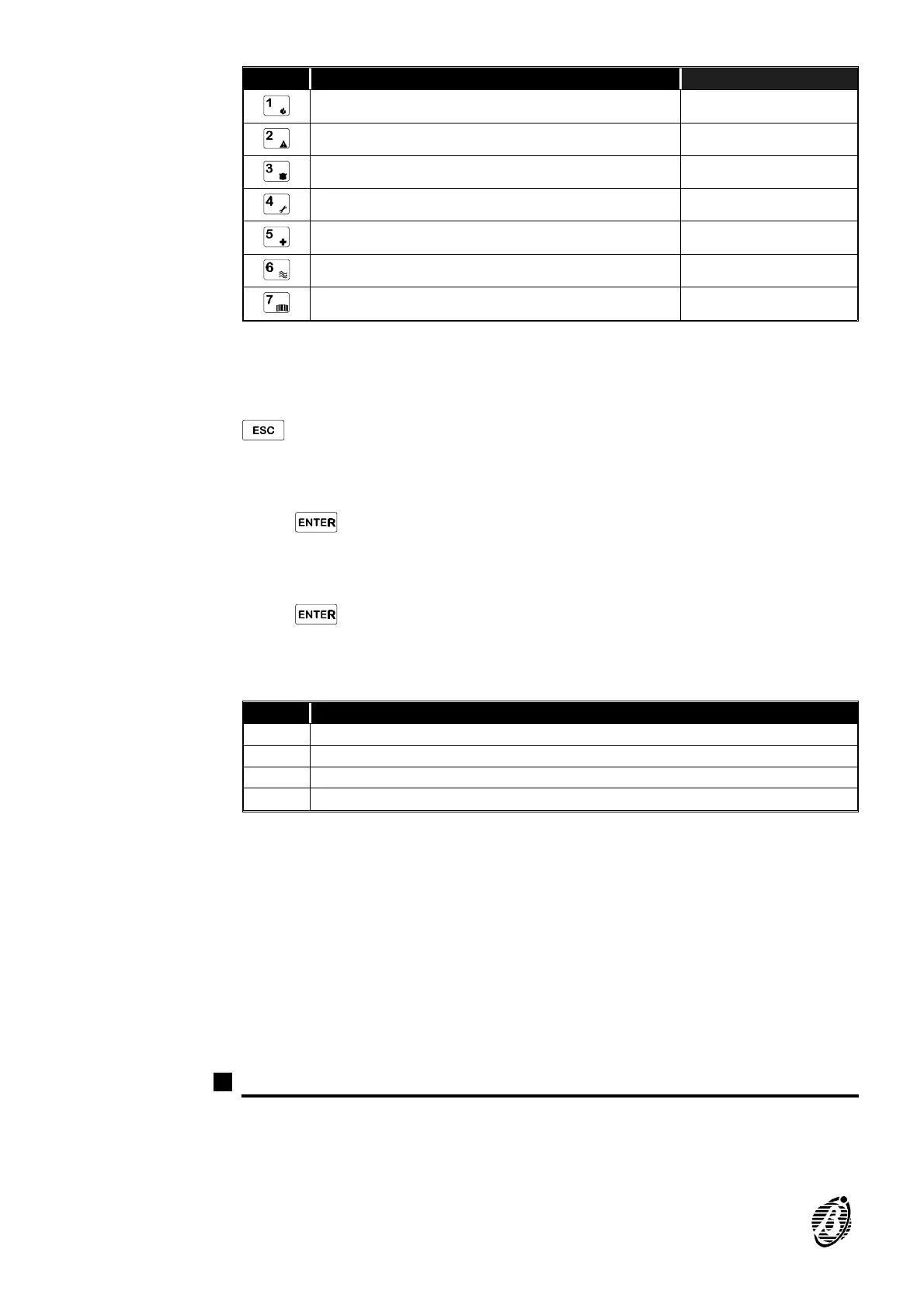
KEYS Setting options Data
digital key valid on partition 1
digital key valid on partition 2
digital key valid on partition 3
digital key valid on partition 4
valid service digital key (for service mode)
valid digital key (non-service)
enable digital key for reset call queue
Ø Insert the digital key into the selected key reader and wait for the beep. During
this phase it will be possible to program all the digital keys, and also change
the setting options displayed on the keypad. All digital keys programmed after
128 will be clones, that is, with identical features as digital key 128. Press
to exit. To read a new Random code on a digital key Address 421:
Step 1 Enter 421.
Step 2
Press .
Step 3 Select key reader: 1 through 16.
Step 4
Press .
Step 5 Insert the digital key to read the random code. A long high-tone beep will
confirm Operation Done.
Add. Description
419 generates new Random code u
420 select key reader v select key no. v set options and insert key
421 select key reader v insert key to read new random code
422 select key no.v set options u (Prog.)
Electronic keys
for MASTER /
SLAVE systems
A MASTER / SLAVE system must have 2 or more control panels. MASTER /
SLAVE systems are configured as follows: 1) one MASTER control panel; 2)
one (or more) SLAVE control panel(s). Electronic keys must be programmed
on the MASTER control panel, and can be used on all the control panels of
a MASTER / SLAVE system. To configure a control panel as MASTER:
carry out Address 419 procedure. Only the MASTER control panel can
change the identification number (1 through 128) of electronic keys. To con-
figure a control panel as SLAVE: use a valid electronic key and follow Address
421 procedure. SLAVE control panels can program the options of valid electronic
keys only. The factory default programming of the control panel is MASTER.
Options (Addresses 423 to 425)
Addresses 423 to 425 are for Options programming. During Options pro-
gramming the keys will take on the meaning shown in the following tables:
Key OFF = option disabled; Key ON = option enabled.
30 Security System Control panel









 To Next Page