Minutes: enter the minutes value of the established time of the test event----2 digits.
Delay: enter the number of hours before the established time of the first
test event----4 digits maximum (refer o the example).
The Delay will start when the programming session closes and will be
counted from the hour value (e.g. programming session closed at 10:20
delay will start at 10:00).
Example
Established time 17:30 every Monday
Interval: 168 hours (7 days x 24 hours)
Minutes: 30 (established time 17:30)
Programming session closed at 10:20 Monday----from 10:00 to 17:00 = 9
hours therefore:
Delay: 9
The Test event will be generated at 17:30----as the final sum includes the
programmed Delay of 9 hours and the programmed Minutes value of 30.
However, if the first Test event is required at 17.30 on Tuesday or Wednes-
day, etc. the 9 hour Delay must be increased by 24 hours for each day.
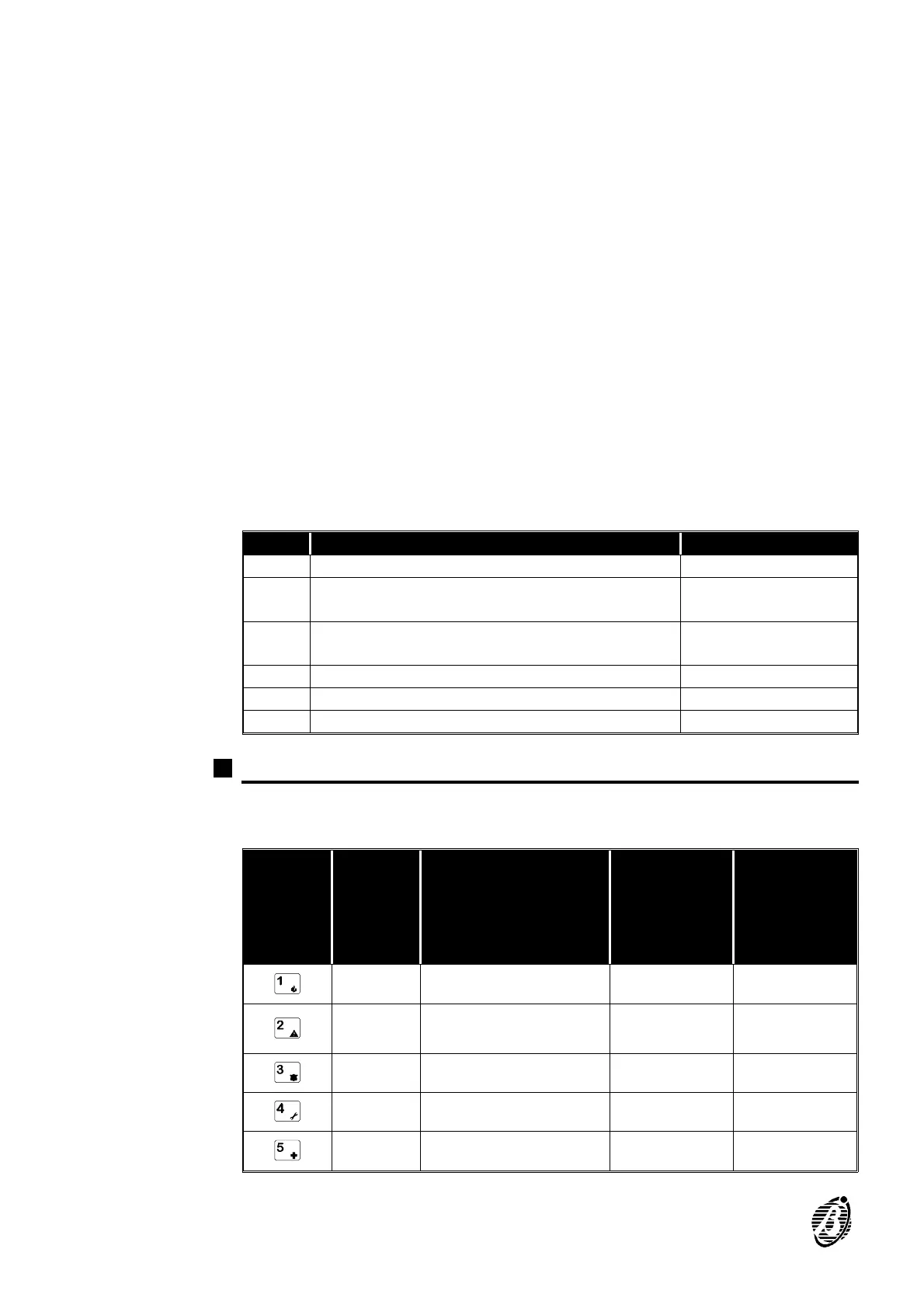
Add. Description Data
159 Number of rings before answer î
160 Enable / Disable Double call î
Enable / Disable Callback î
161 Teleservice telephone number (1-8)
Callback (9) î
162 period in hhî
163 minutes:mm î
164 delay in hh u (before first test)
Codes (Addresses 165 through 256)
Each Code has the following: a PIN (4 to 6 digits), a Type, its assigned
Partitions, Type A Arming Mode and Type B Arming Mode.
KEYS
CODE
TYPE
PARTITIONS
(ON=Assigned
OFF=Not Assigned)
TYPE A
ARMING
MODE
(ON=Arm
OFF=Disarm)
TYPE B
ARMING
MODE
(ON=Arm
OFF=Disarm)
Disabled Partition 1 Partition 1 Partition 1
Main
User
Partition 2 Partition 2 Partition 2
User Partition 3 Partition 3 Partition 3
Duress Partition 4 Partition 4 Partition4
Patrol - -
20 Security System Control panel









 To Next Page