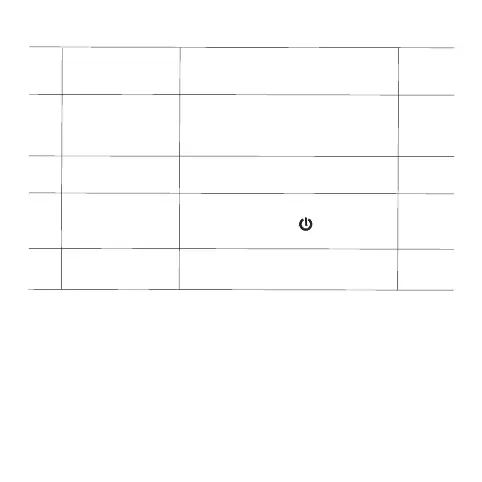
0
7
00
0
8
09
60℃
10
long press to adjust the “+” key
display to“---”,press button to
restore the factory settings
-
Sensor error:
If there is error of sensor Er will also appear on the screen.
If no external sensor is connected, do not set it to ALL or OUT,
otherwise Er will appear on the screen.And the thermostat will
stop heating till the problem is solved.
Main and auxiliary
reverse selection
(optional)
Set temperature
upper limit
00:close the main and
auxiliary reversal function
01:indicate the auxiliary reversal
15-95℃
Reset
Backlight
brightness
00:turn off the backlight
01:low brightness
02:medium brightness
03:high brightness
03
11
Sound
ON:turn on the sound
OFF:turn off the sound
ON





 To Next Page