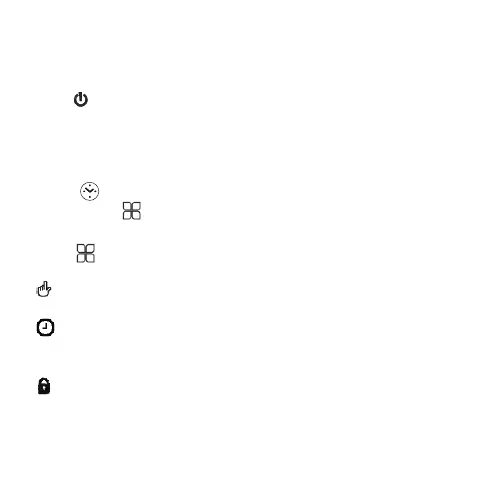
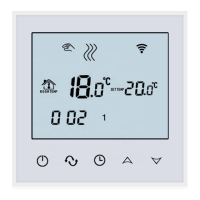
1.Power on/off
Press to turn on/off the power.
2.Set Temperature
4.Switch modes
Manual mode:means non-programmable mode.
Operation Instruction
display on the screen, it is in Manual mode.
Press key to switch between Manual and Programming mode
Press “+” or “-” to set the temperature.
Press “+” or “-” to set the temperature.
display on the screen, it is in Programming mode.
3.Set the Clock
press to set minute, Press for adjusting“+” or “-”
Then press to adjust the hour and the week in turn.
5.Set the Child Lock
Simultaneously press and hold the“+” and “-”to add child lock
will displayon the screen.
Simultaneously press and hold the“+” and “-”again to cancel
child lock.





 To Next Page