WIFI connection
1.Turn on your mobile phone‘s Bluetooth and wifi
(please make sure your mobile phone connect to 2.4Ghz Wi-Fi).
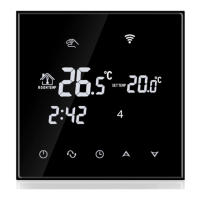
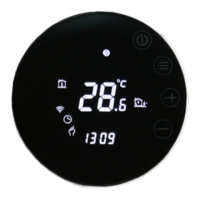
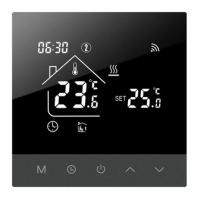
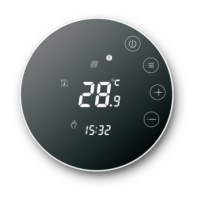
2.Activate the thermostat WiFi module:When the thermostat is
turned on,press and hold the button for 5 seconds,the WIFI“+”
icon flashes on the thermostat display,and the thermostat
enters the code matching state
3.Add Device
There are 3 ways to add a device
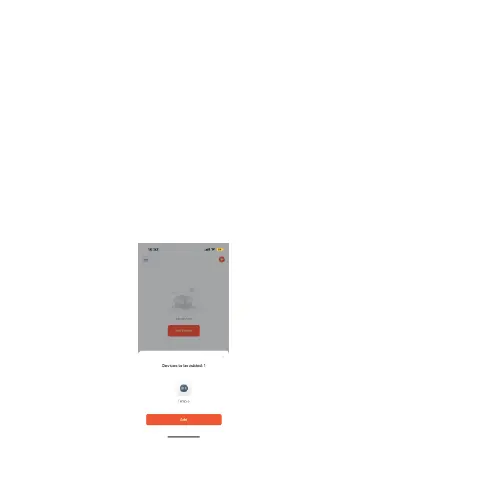
Method 1. Enter the Tuya APP. The main page automatically
pops up "Device to be added" (as picture 1) and click "Add".
picture 1





 To Next Page