Chapter 3 Configuration Page 15
3. Configuration
DC Voltage
Calibration
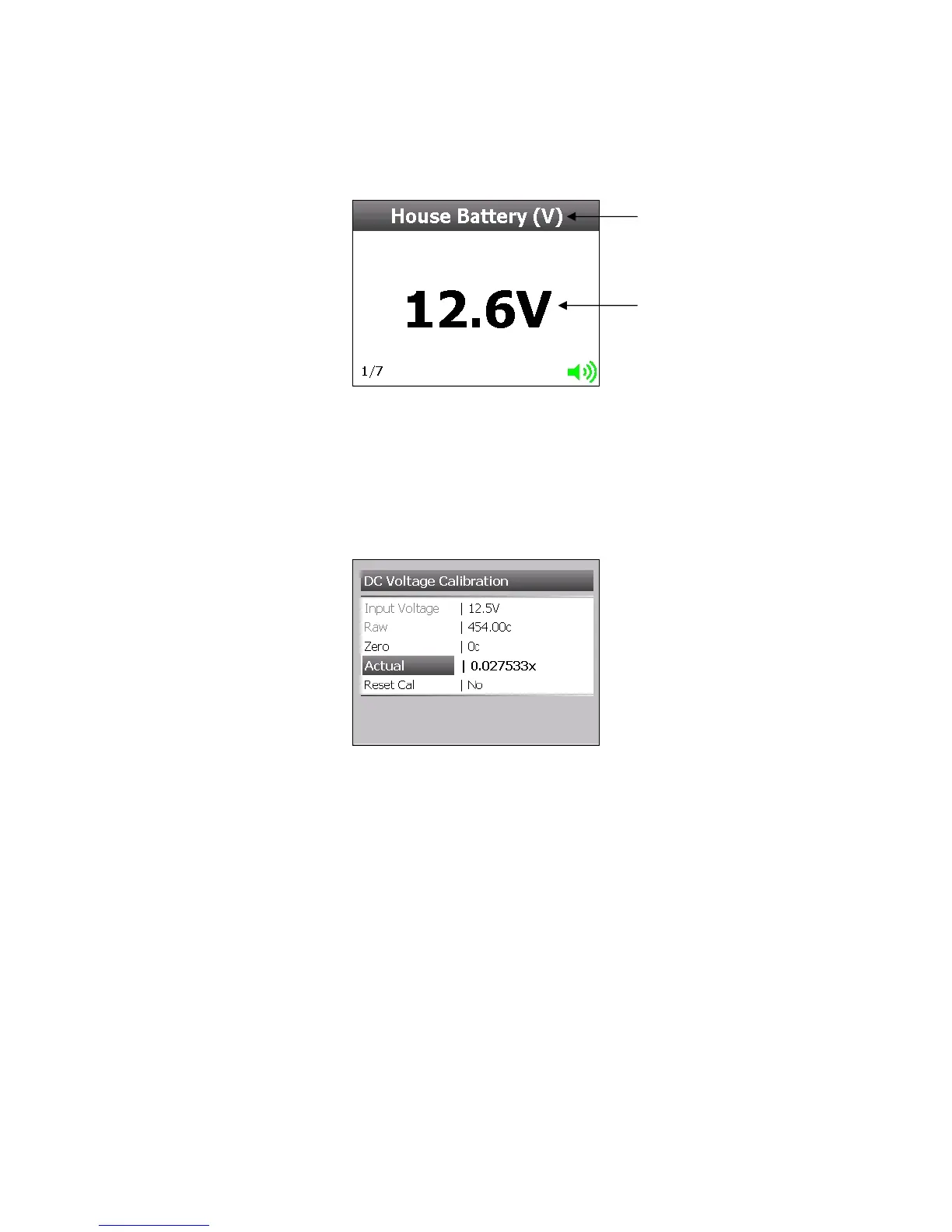
Voltage Calibration is factory set. If you need to alter the calibration follow the steps below:
Go to Main Menu > Setup > Input(s) > ‘Choose Voltage Input’ > Calibration.
Step 1
Insert a ground wire into the pin of the input you are configuring. Select ‘Zero’ on the meter and
then select ‘Yes’.
Step 2
Remove ground and then wire the Input (DC Positive) into the same pin.
Step 3
Check battery voltage using a calibrated voltmeter then select ‘Actual’ and enter the correct voltage
and then select ‘Save’.
Settings
Go to Main Menu > Setup > Input(s) > ‘Choose Voltage Input’ > Settings
DC Voltage Value
Label



 To Next Page