Chapter 1 Basics Page 6
Button Function
Escape Button
Exits from the page or menu you are currently on and brings up the previous page or menu.
Down Button
Moves down in page number or down the list on a menu. When inputting text button moves cursor
to the left.
Up Button
Moves up in page number or up the list on a menu. When inputting text button moves cursor to the
right.
Enter Button
Brings up ‘Main menu’ from any of the status pages. Enters the desired selection from a menu.
Enters selected character on a calibration page.
Power Up
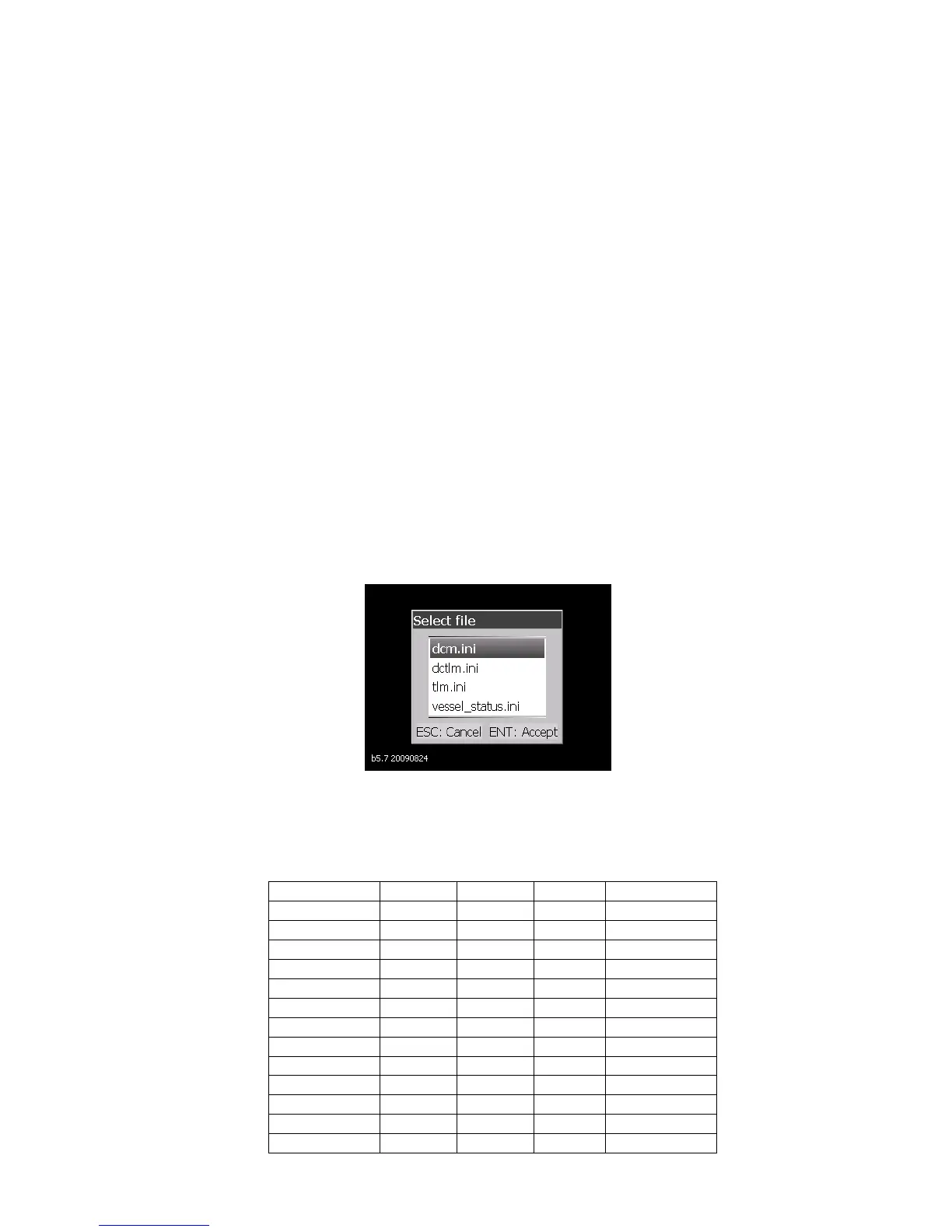
When first powering up the DCSM the user will be presented with a group of default meter file
types to choose from. The table below shows the 4 Default Meter Types with an X showing what
inputs are enabled. Please select the Meter Type that is closest to your application:
Meter Type
Pin/Connector Number
DCM DCTLM TLM Vessel Status
B1
X (Volts) X (Volts) X (SOM)
B2
X (Volts) X (Volts) X (SOM)
B3
X (Volts) X (Volts) X (SOM)
B4
X (SOM)
B5
X (Tank) X (Tank) X (SOM)
B6
X (Tank) X (Tank) X (SOM)
B7
X (Tank) X (Tank) X (SOM)
B8
X (Tank) X (Tank) X (SOM)
Vessel Status
X
A5-6
X (Amps) X (Amps)
A7-8
Battery 1
X X
Battery 2



 To Next Page