Chapter 4 Settings Page 32
To set up a new password select ‘Setup Password’ and then ‘New Password’. The password will
need to be entered twice for confirmation. Once this is done the new password will be set up.
To disable the password select ‘Setup Password’ and then ‘Disable’. The current password will
need to be entered again to disable it.
Note: Passwords are case sensitive
Simulation Mode
Simulation Mode is used for demonstration purposes. When in simulation mode the units will
change to random values showing moving gauge needles, bar graphs and voltage/current text
values.
Units
The Units of Measure will change how tank values are displayed. It can be chosen from Metric
(Litres), English (Gallons) and US (Gallons).
Utilities
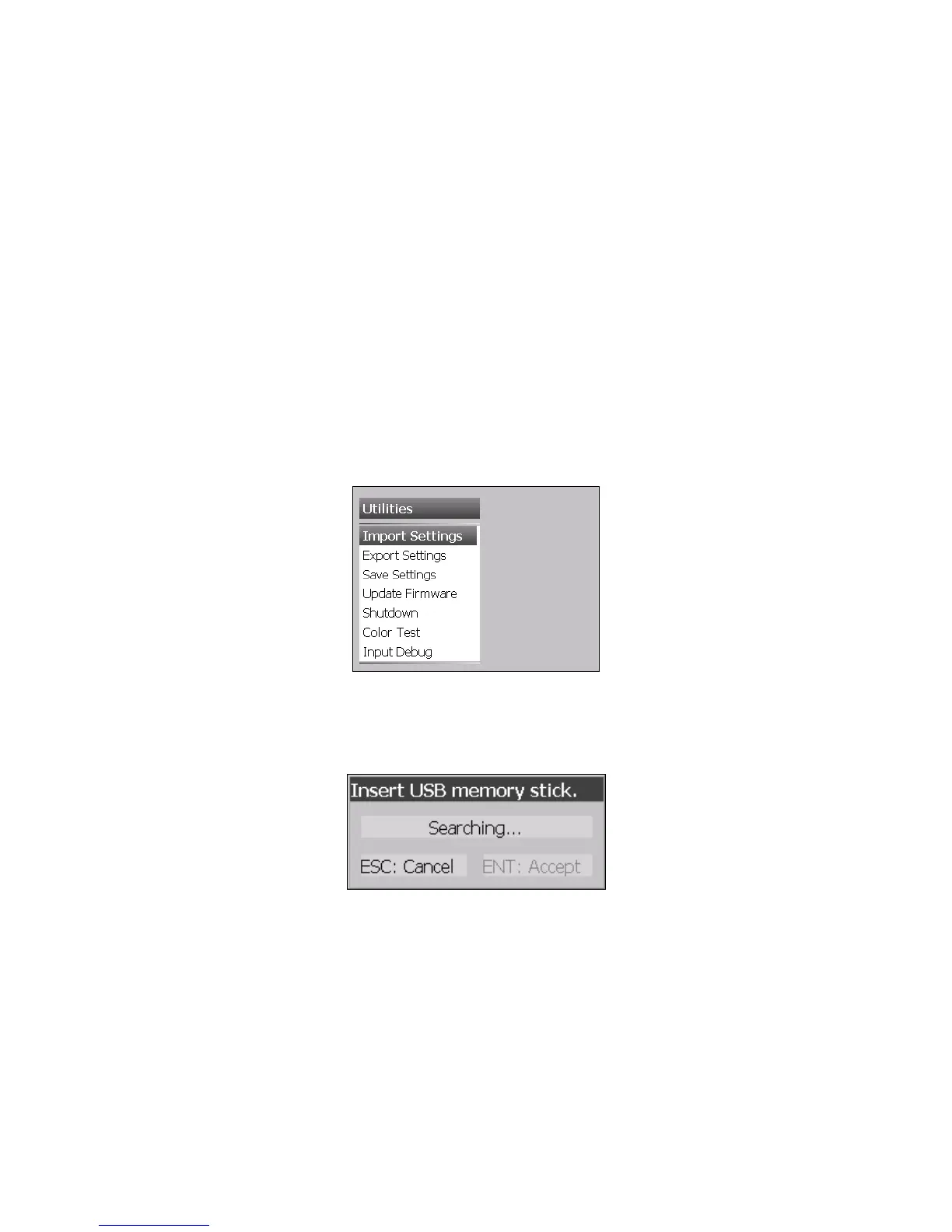
Choose Main Menu > Setup > Utilities to access Utilities Settings
Import/Export Settings
User settings can be saved onto a Memory/Flash USB Device for back up purposes or upgrading
other meters.
Insert a supported memory stick into the USB Socket.
Exporting Settings
Select Export Settings. It will take a few seconds for the meter to search for the device. Once the
device has been found select Accept. The user will be prompted to enter the filename. The default
filename is ‘user.ini’ so this filename or a custom filename can be chosen.
Note: If there is already a file with the same name on the memory stick, please choose another
filename.



 To Next Page