Chapter 3 Configuration Page 24
Note: All circuit indicator’s are set on there respective SOM page. Refer to SOM Configuration
section.
Setup
Go to Main Menu > Setup > Input(s) > ‘Choose Mimic Page’ > Settings > Image File
Select ‘Default List’ to choose between one of the default images.
Select ‘New File’ to upload image from USB device.
Note: For the meter to recognise a custom image file, it has to be saved in 24 bit .BMP format and
sized at 320 x 240 pixels.
Pump
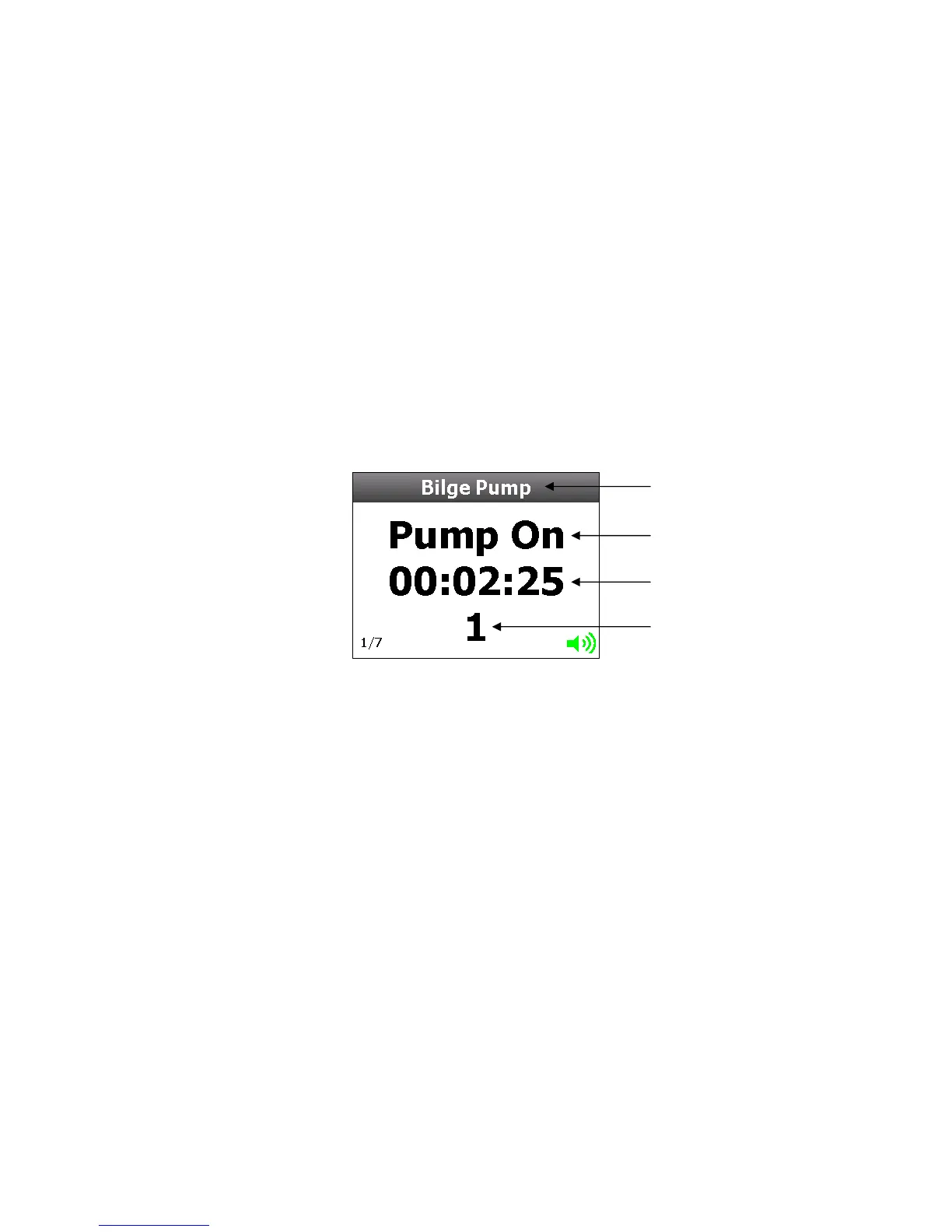
Pump activity can be monitored by utilizing one or more of the 8 voltage inputs. Activity is
monitored 24 hours, seven days a week. The number of operations and accumulated time of
operation is stored for your information. It can be reset to zero when leaving the boat.
Setup
Go to Main Menu > Setup > Input(s) > ‘Choose Pump Input’
Pump settings are factory set, to enable a pump input just select ‘Type’ and then choose ‘Pump’.
The pump will be all set up to start counting when in Active High state. When the pump goes from
an Active High to an Active Low state, it is considered 1 cycle.
Settings
Go to Main Menu > Setup > Input(s) > ‘Choose Pump Input’ > Settings
Pum



 To Next Page