Chapter 3 Configuration Page 23
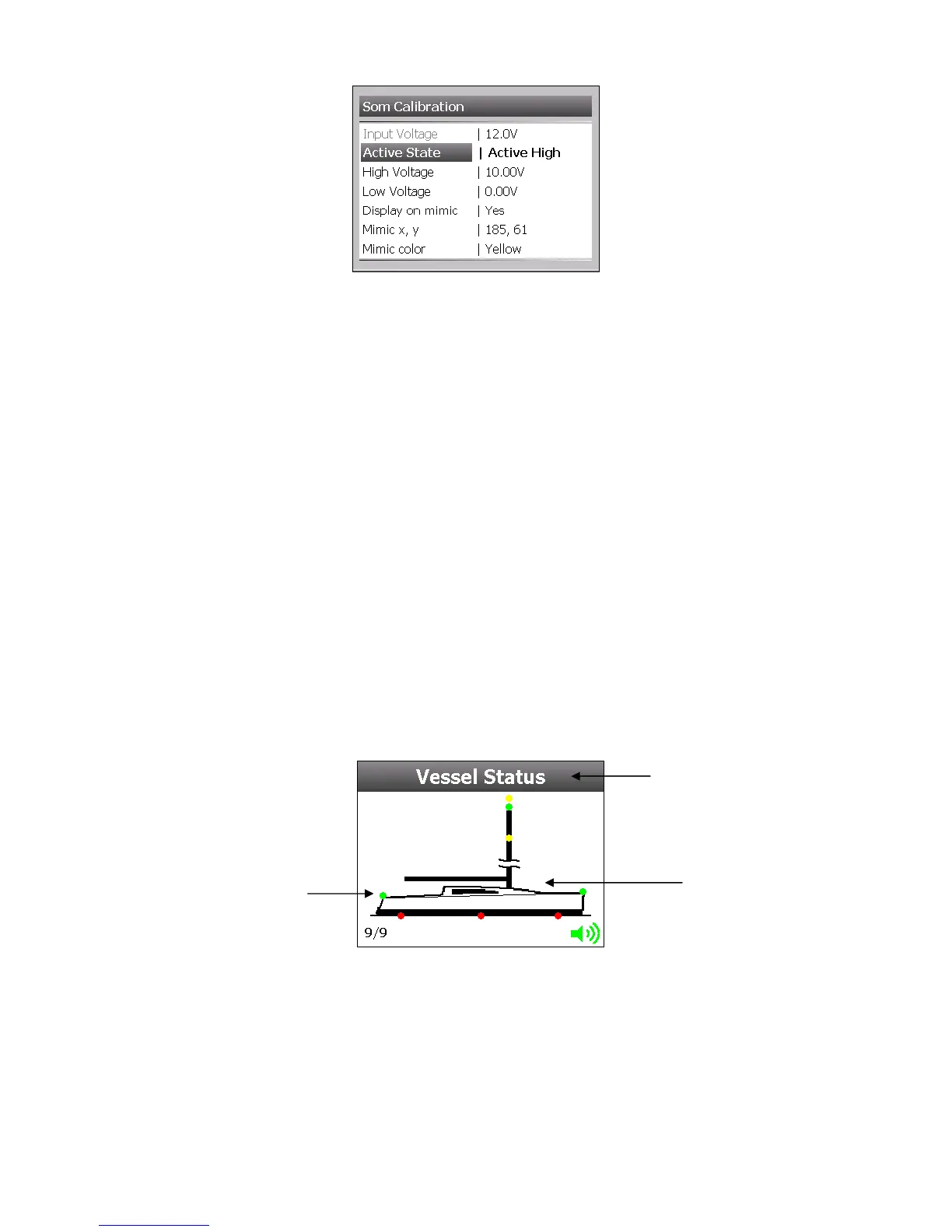
Go to Main Menu > Setup > Input(s) > ‘Choose SOM Input’ > Settings
Active State
This setting is how the meter decides the Circuit is on, either in Active High or Active Low.
High Voltage
The volts value for an Active High State.
Low Voltage
The volts value for an Active Low State.
Display on Mimic
Each circuit can have it’s own on or off indicator on the Mimic Page. Select ‘Yes’ to have this
displayed.
Mimic x, y
These are the co-ordinates where the indicator will be displayed on the Mimic page. Use the
crosshairs to place the Indicator in the correct position.
Mimic Colour
There is a wide range of indicator colours to choose from, ensure the chosen colour is not going to
clash with the Mimic background image.
Mimic
The Mimic page will give the user a view of all systems in operation circuits on a selectable boat
image. The 5 default boat images can be chosen from the following:
Traditional Yacht
Modern Yacht
Flybridge
Sports Cruiser
Trawler
The user can also upload there own image from a USB Memory stick.
Label
Vessel Image
Circuit Indicator



 To Next Page