Chapter 4 Settings Page 31
Input Type Display Type
DC Voltage Text, Gauge
DC Current Text, Gauge
Pump Text
Tank Text, Gauge, Bar
SOM Text
Mimic Text, Image
Battery Text, Bar
Alarm
Refer to Alarm Configuration section.
Settings
The Settings options are specific to the Input Type. Refer to the Configuration section for more
detail.
Calibration
The Calibration options are specific to the Input Type. Refer to the Configuration section for more
detail.
System
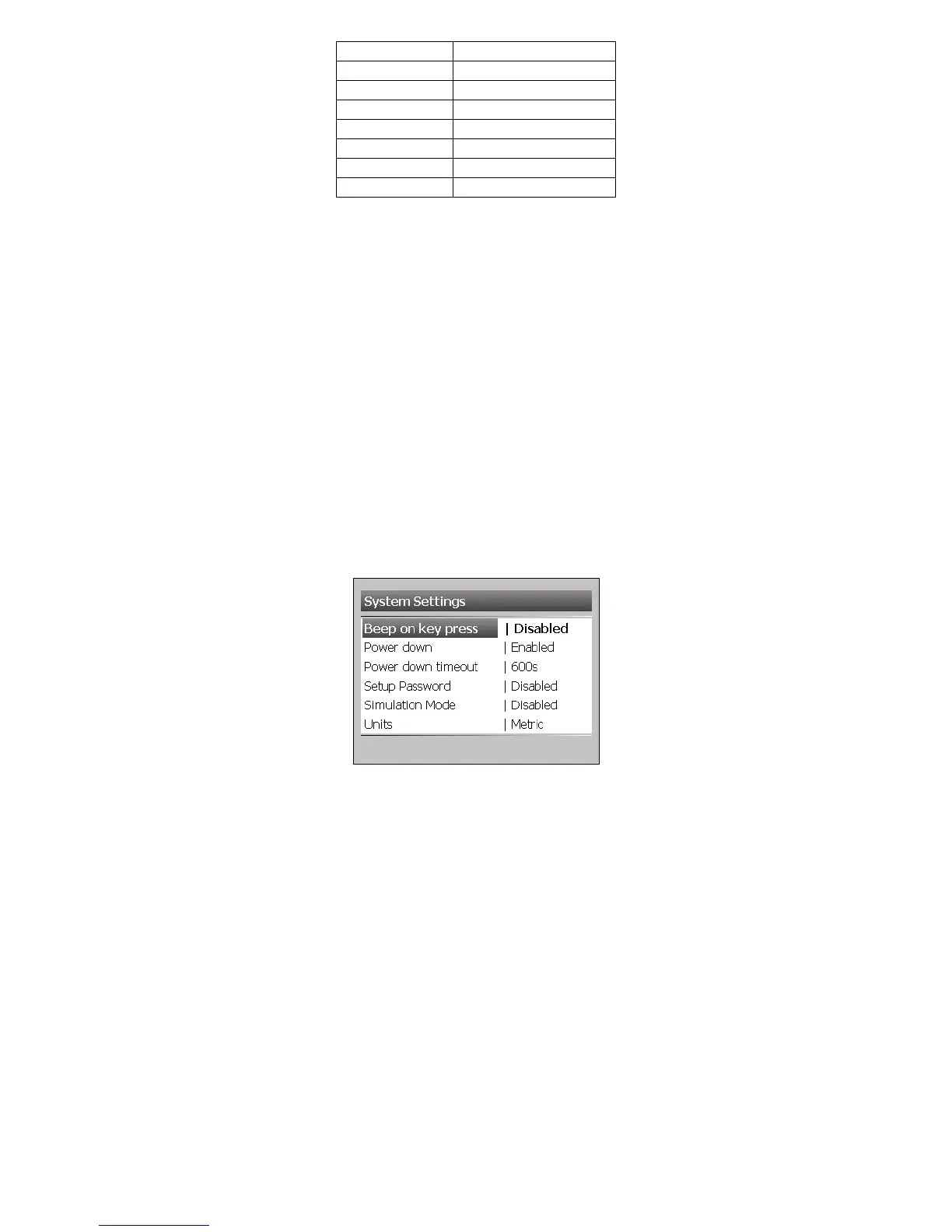
Choose Main Menu > Setup > System to access System Settings
Beep on Key Press
Selecting disabled will stop the meter from beeping on every key press.
Power Down
Power Down will put the meter in to a low power state after a predetermined time. This will include
shutting down the LCD screen. The meter will exit power down mode at any key press.
Power Down Timeout
This is the time from last user input to when the meter enters power down mode.
Setup Password
The password feature will protect the meter from unnecessary modifications. When any settings
are modified and the save prompt window opens, the password will need to be entered.



 To Next Page