Chapter 4 Settings Page 30
There are 5 types of inputs that are assigned to specific pins (DC Voltage, DC Current, Pump,
Tank & SOM). There are also 2 different page views that take data from designated Inputs and
display as Text or Graphics (Mimic & Battery). Below is a Table to show the relation between Page
Number, Pin Number and Input Type:
Page Pin Input Type
1 B1 DC Voltage/Pump/Tank/SOM
2 B2 DC Voltage/Pump/Tank/SOM
3 B3 DC Voltage/Pump/Tank/SOM
4 B4 DC Voltage/Pump/Tank/SOM
5 B5 DC Voltage/Pump/Tank/SOM
6 B6 DC Voltage/Pump/Tank/SOM
7 B7 DC Voltage/Pump/Tank/SOM
8 B8 DC Voltage/Pump/Tank/SOM
9 Mimic
10 A5-6 DC Current
11 A7-8 DC Current
12 Battery
13 Battery
Note: Page numbers will change depending on how many inputs are enabled. For instance, if only
Inputs B1, B2 & B3 are Enabled, then the Mimic will be on Page 4.
Label
The input label can be selected from a list of input specific standard labels, or a custom label using
the onscreen keyboard.
Status Page
Select enabled to have the input shown on a Status Page. Select disabled and the meter will keep
all the settings for that input but it will not be shown on a Status Page.
Display Type
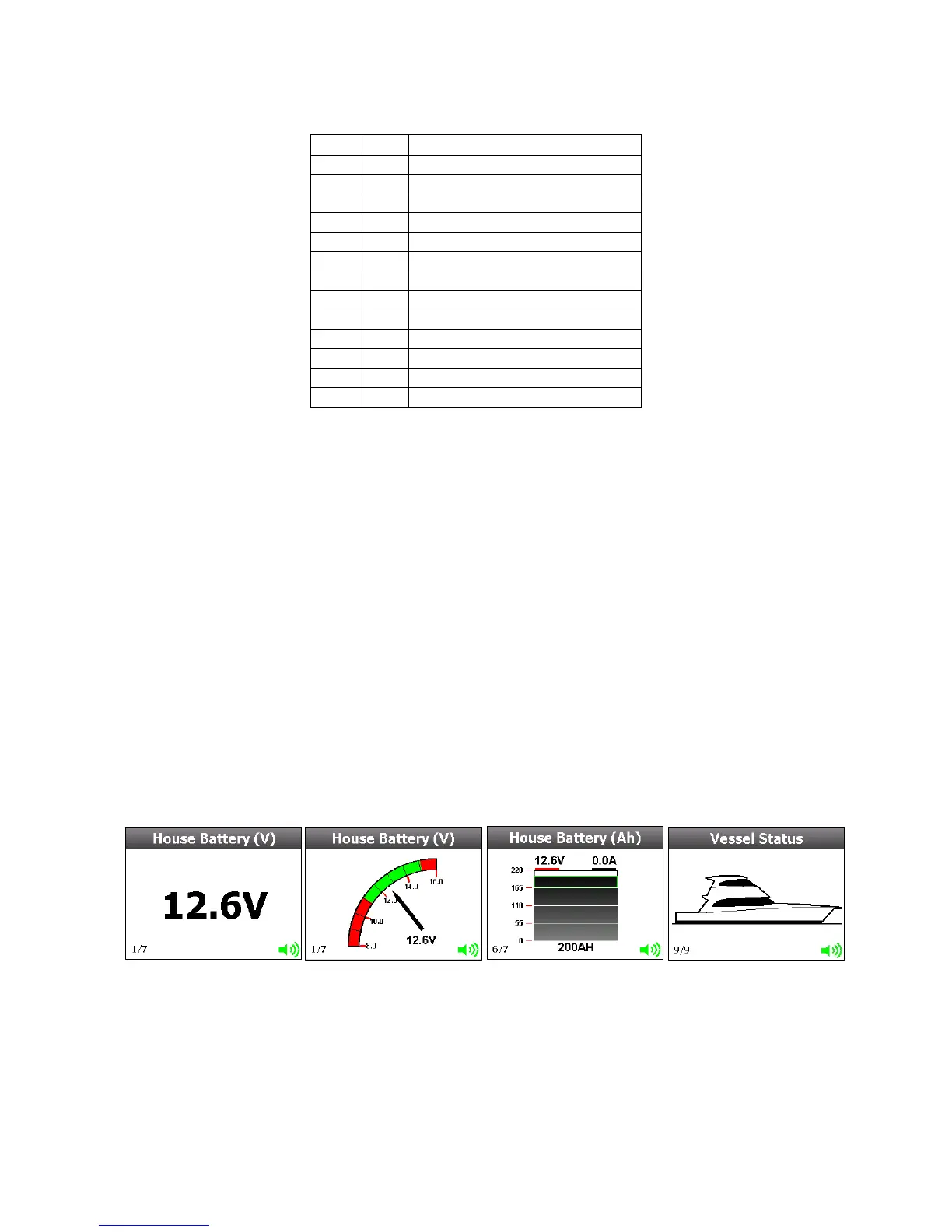
There are 4 Display Types that can be chosen from. Not all Display Types are available on all
inputs.
Below is a table showing what Display Types are available for each Input Type
Text
Gauge Bar Image



 To Next Page