Model H79
24
Selecting a Design
In the Model H79 Embroidery Machine you have Internal Memory as
well as Card Memory. Designs can be accessed from both places.
Selecting a Design from Internal Memory
In order to use the Internal Memory of the Model H79 Embroidery
Machine to its fullest, you must have it connected to a Personal
Computer with the software installed. This allows you to save
designs to the Internal Memory of the machine. The Internal
Memory will hold up to 99 designs or one million stitches,
whichever comes rst. You must use the eXplorations Lite software
and the Navigator to view, save or delete designs in the internal
memory.
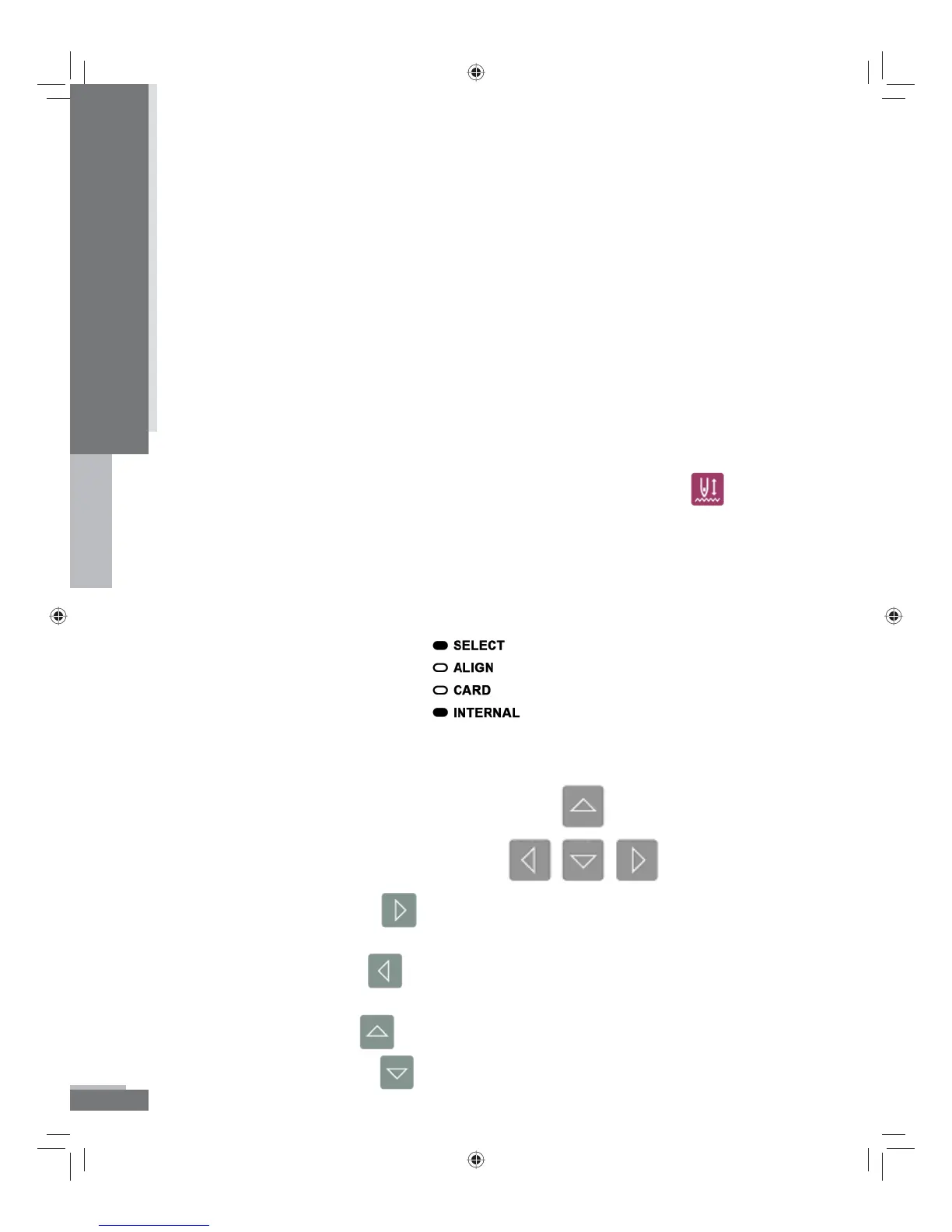
To select a design from Internal Memory you must use the
button
on the keypad. This button toggles back and forth from Internal
Memory (designs that show as ## in the LED screen) to Card
Memory (designs that show as C## in the LED screen). When you
have Internal Memory selected, the light next to “Internal” will be
illuminated.
To move through the selections in the Internal Memory you will use the
arrow buttons on the keypad.
The Right Arrow button will take you forward through the list of
designs (higher numbers) one design at a time.
The Left Arrow button
will take you backward through the list
(lower numbers) one design at a time.
The Up Arrow button
will advance 10 designs at a time.
The Down Arrow button will take you backwards 10 designs at a time.
Operation
H79_Manual.indd 24H79_Manual.indd 24 10/6/2008 4:29:09 PM10/6/2008 4:29:09 PM



 To Next Page