Model H79
26
Align Design
Designs, in most cases, start and stop at the center of the design. The
Model H79 Embroidery Machine is programmed to start and stop
in the center unless you specify otherwise in eXplorations Lite
software. When hooping your fabric to be embroidered you will
need to mark where you want the center of the design to start.
If you don’t get the fabric centered exactly in the hoop, you can
reposition the needle in the hoop to some degree depending on
the size of the design.
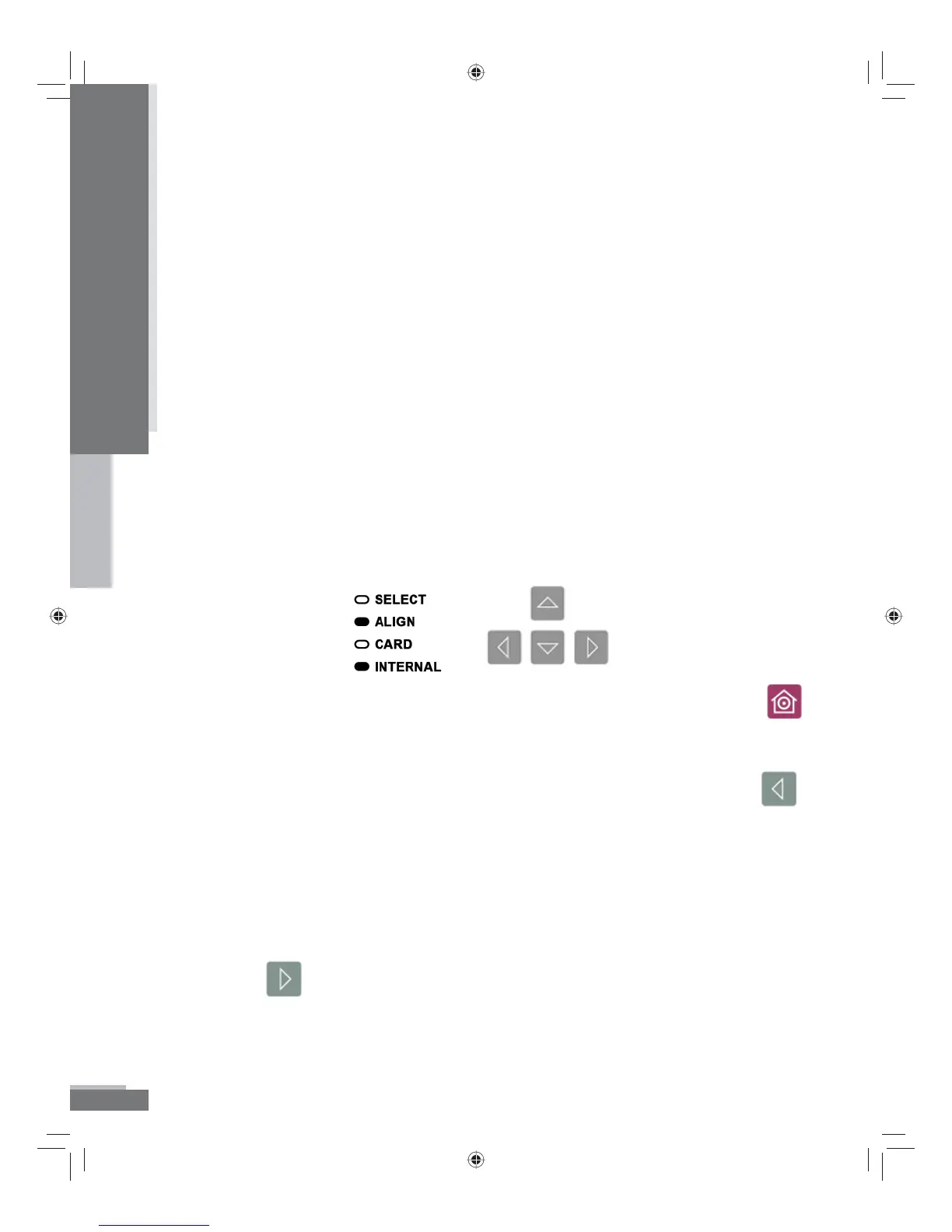
Once you have selected your design, you will see that the illumination
has changed on the keypad from Select to Align allowing you to
use the arrow keys to move the needle position of the start of the
design around in the hoop. You must have the presser foot lever in
the upper position to move the needle position. (E15 will appear
in the LED screen if the presser foot lever is in the lower position.
Raise the presser foot and Press the arrow button again).
To center the design in the center of the hoop, use the Home button .
This positions the hoop so that the needle is in the center of the
hoop.
To move the needle position to the left in the hoop, use the Left Arrow
.
If you try to move too far, you will get an error (E25). This means
that the machine cannot sew the design any further to the left. If
the design needs to start closer to the left, you will need to re-hoop
the fabric.
To move the needle position to the right in the hoop, use the Right
Arrow
. If you try to move too far, you will get an error (E26).
This means that the machine cannot sew the designs any further
to the right. If the design needs to start closer to the right, you will
need to re-hoop the fabric.
Operation
H79_Manual.indd 26H79_Manual.indd 26 10/6/2008 4:29:10 PM10/6/2008 4:29:10 PM



 To Next Page