Model H79
27
To move the needle position to the bottom of the hoop, use the Down
Arrow
. If you try to move too far, you will get an error (E27).
This means that the machine cannot sew the design any further to
the bottom. If the design needs to start closer to the bottom, you
will need to re-hoop the fabric.
To move the needle position to the top of the hoop, use the Up Arrow
.
If you try to move too far, you will get an error (E28). This means
that the machine cannot sew the design any further to the top.
If the design needs to start closer to the top, you will need to re-
hoop the fabric.
Sewing the Design
Trace the Design
After selecting the design you wish to sew, it is always advisable to
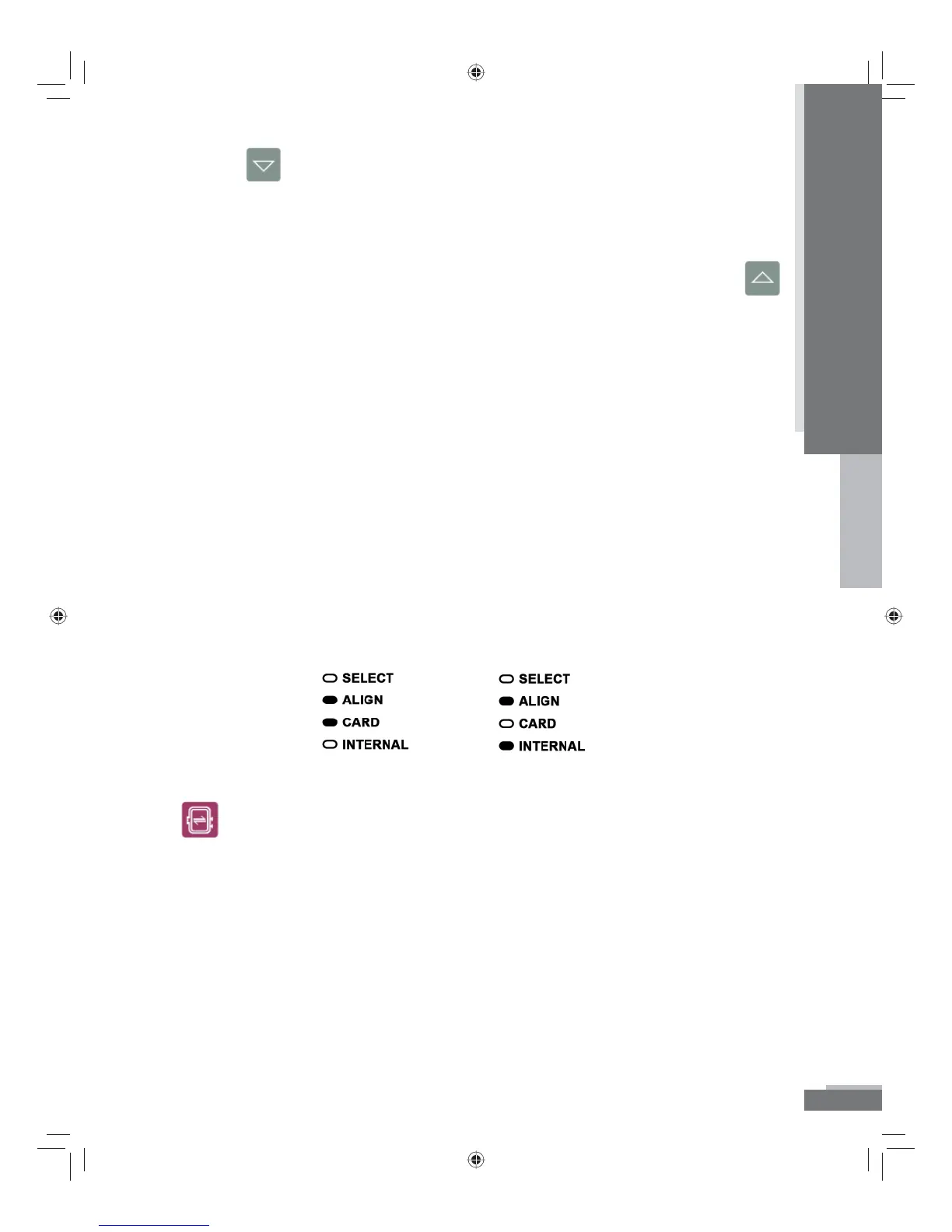
trace the design. Make sure you are in the Align Mode by checking
to see that Align is illuminated.
OR
Make sure the presser foot is in the up position. Press the Trace button
. The hoop will begin to move to all four corners of the outer
perimeter of the design and then back to the center. You can still
reposition the needle if necessary. If you move the hoop, you
should trace the design again.
Operation
H79_Manual.indd 27H79_Manual.indd 27 10/6/2008 4:29:10 PM10/6/2008 4:29:10 PM



 To Next Page