Model H79
25
Once you have the design you wish to sew selected, press the Enter
button .
Selecting a Design from a Memory Card
Card Memory (designs that show as C## in the LED screen) are designs
that are on a pre-programmed Memory Card. The search features
are the same as above for Internal Memory.
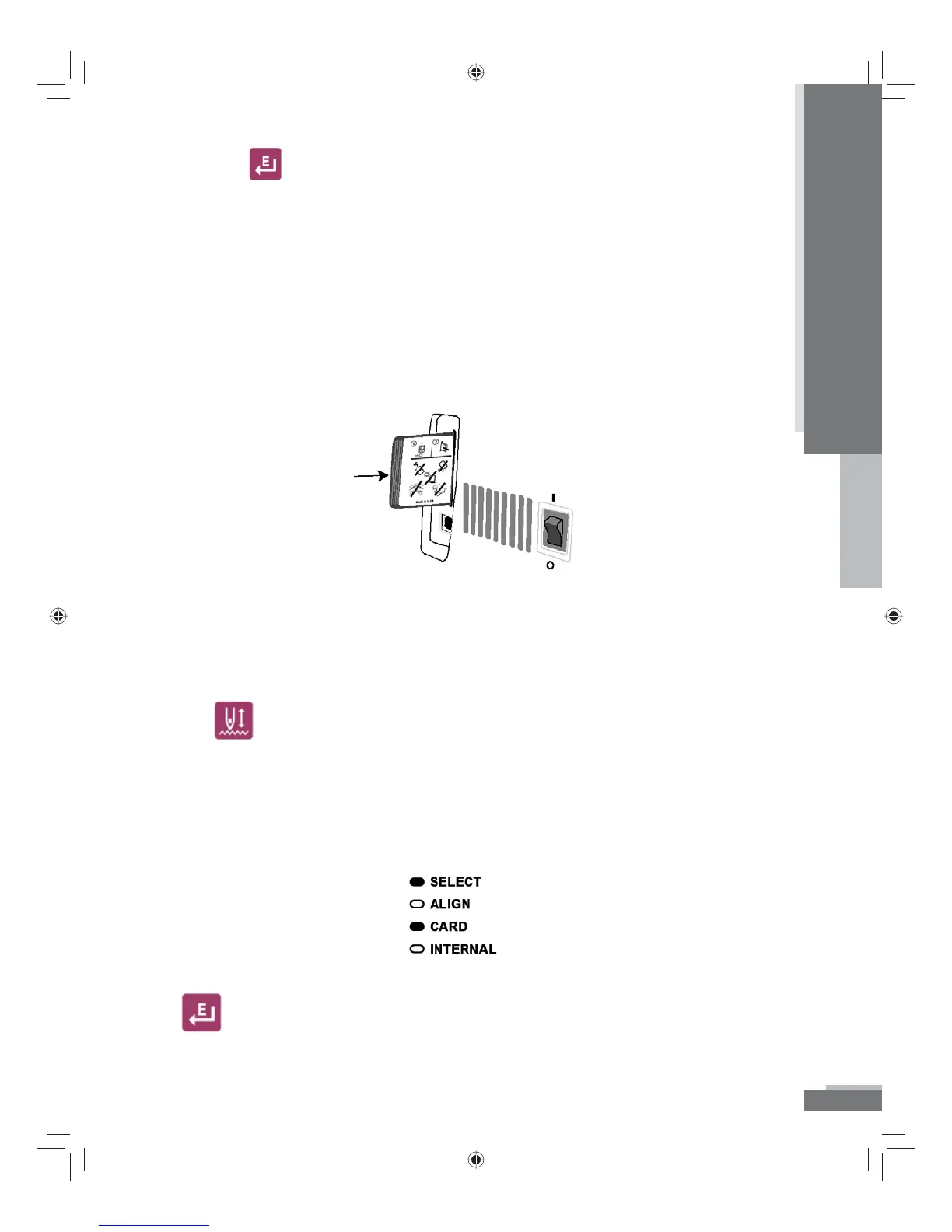
To select a design from a Memory Card you must rst have a card
inserted.
To insert the Memory Card into the machine simply insert the card in
the card slot until it softly clicks. It should go in easily. Do not force
the card. If it does not go in easily, you may have the card reversed.
Forcing the card into the slot could bend the connector pins inside
the machine.
Use the
button on the keypad to access the Memory Card designs.
This button toggles back and forth from Internal Memory (designs
that show as ## in the LED screen) to Card Memory (designs that
show as C## in the LED screen). When you have a Memory Card
selected, the light next to “Card” will be illuminated.
When you nd the design you want to select, press the Enter button
.
Operation
H79_Manual.indd 25H79_Manual.indd 25 10/6/2008 4:29:09 PM10/6/2008 4:29:09 PM



 To Next Page