EasyManua.ls Logo

Bernini Be242 - Page 16

Bernini Be242
25 pages
Print Icon
To Next Page IconTo Next Page
To Previous Page IconTo Previous Page
Loading...
Be242 Be242RB Be242-22 OEM's Manual V4.X.XX - March - 2023 page 16
16
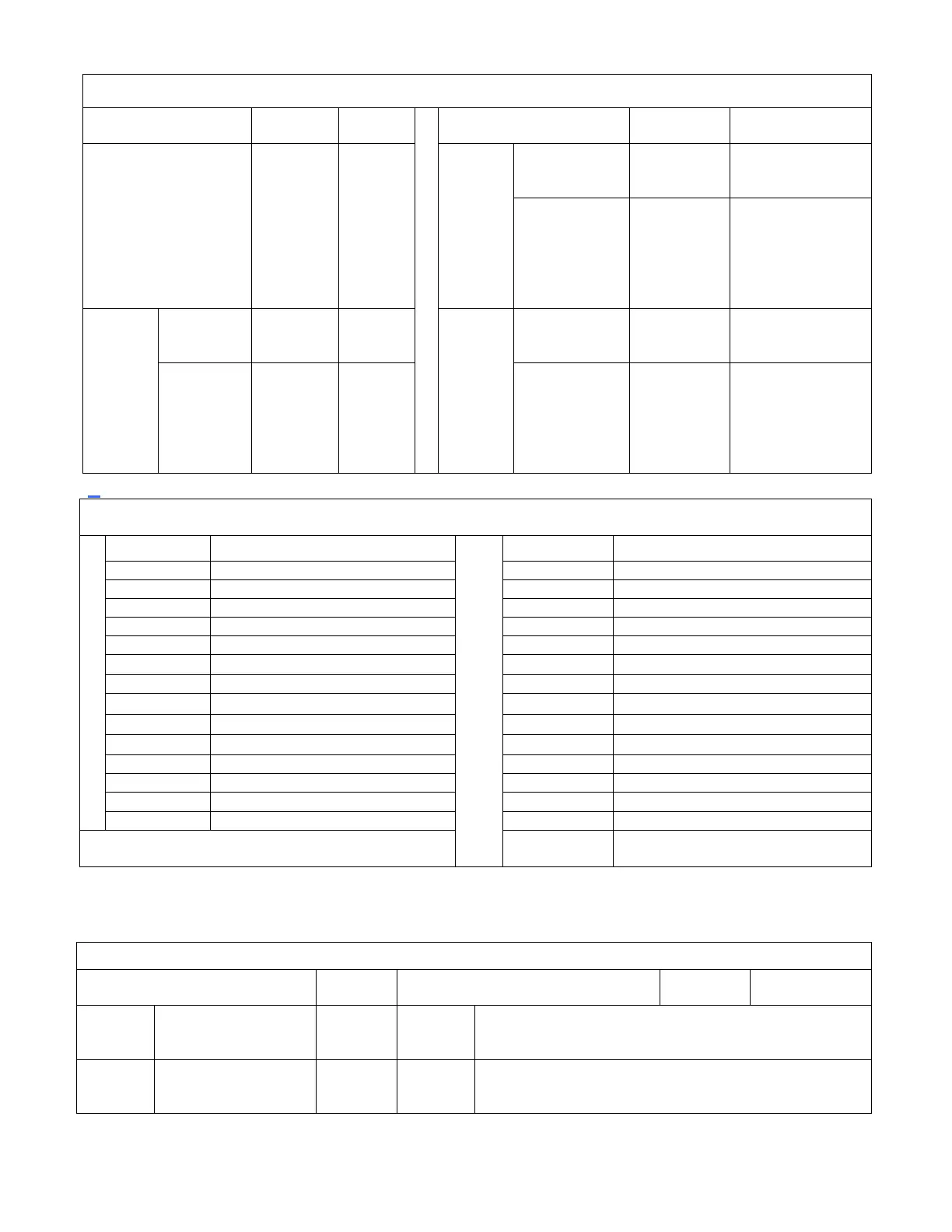
Table 7.06 - Programmable inputs (see options list in table 7.07)
Parameter
Options
Default
Parameter
Options
Default
[InP.1]
NOT
USED
NONE
[ 2 ]
[InP.3]
(terminal
#10 on
B242RB)
Option
available
[0] - - - [28]
[10]
Contact type
[n.o.][n.c.]
[n.o.]
[InP.2]
(terminal
#13 on
B242RB)
[ 13 ]
[0] - - - [28]
[13]
[InP.4]
(terminal
#14 on
B242RB)
Option
available
[0] - - - [28]
[15]
Contac_t
type
[n.o.][n.c.]
[n.o.]
Contact type
[n.o. ][n.c.]
[n.o.]
_
Table 7.07 - Input Options List
Option
Option
[ 0 ]
Off: disables the input
[ 14 ]
Generator simulation ON
[ 1 ]
Immediate Stop
[ 15 ]
Mains Simulated ON
[ 2 ]
Bypass and Stop
[ 16 ]
Front panel LEDs test
[ 3 ]
Cooling and Stop
[ 17 ]
Horn silence
[ 4 ]
Bypass+Cooling and Stop
[ 18 ]
Display Right Push button
[ 5 ]
Warning only (^)
[ 19 ]
Display Left Push button
[ 6 ]
Bypass and Warning
[ 20 ]
Overload Input Warning
[ 7 ]
Remote Manual Mode (^^)
[ 21 ]
Overload Input Shutdown
[ 8 ]
Remote Auto Mode (^^)
[ 22 ]
KG Forced closed
[ 9 ]
Remote Off Mode (^^)
[ 23 ]
KM Forced closed
[ 10 ]
Remote Engine Test
[ 24 ]
KG LED Feedback
[ 11 ]
Remote Generator Test
[ 25 ]
KM LED Feedback
[ 12 ]
Ejp function
[ 26 ]
Idle Engine
[ 13 ]
Remote LOCK
[ 27 ]
Manual START push button
[ 28 ]
Manual STOP push button
(^) The Be242 detects the alarm if the engine is running
(^^) We recommend the use of an AUTO-OFF-MAN switch
7.08 - Programmable Outputs
Parameter Code & description
Default
Parameter Code & description
Default
Options
[Out.1]
Output 1 (terminal #6
HORN)
[ 39 ]
[Out.3]
NOT USED [ 54 ]
[Out.2]
Output 2 (terminal #5
PREGLOW)
[ 46 ]
[Out.4]
NOT USED [ 57 ]

Related product manuals