7. Print the first model
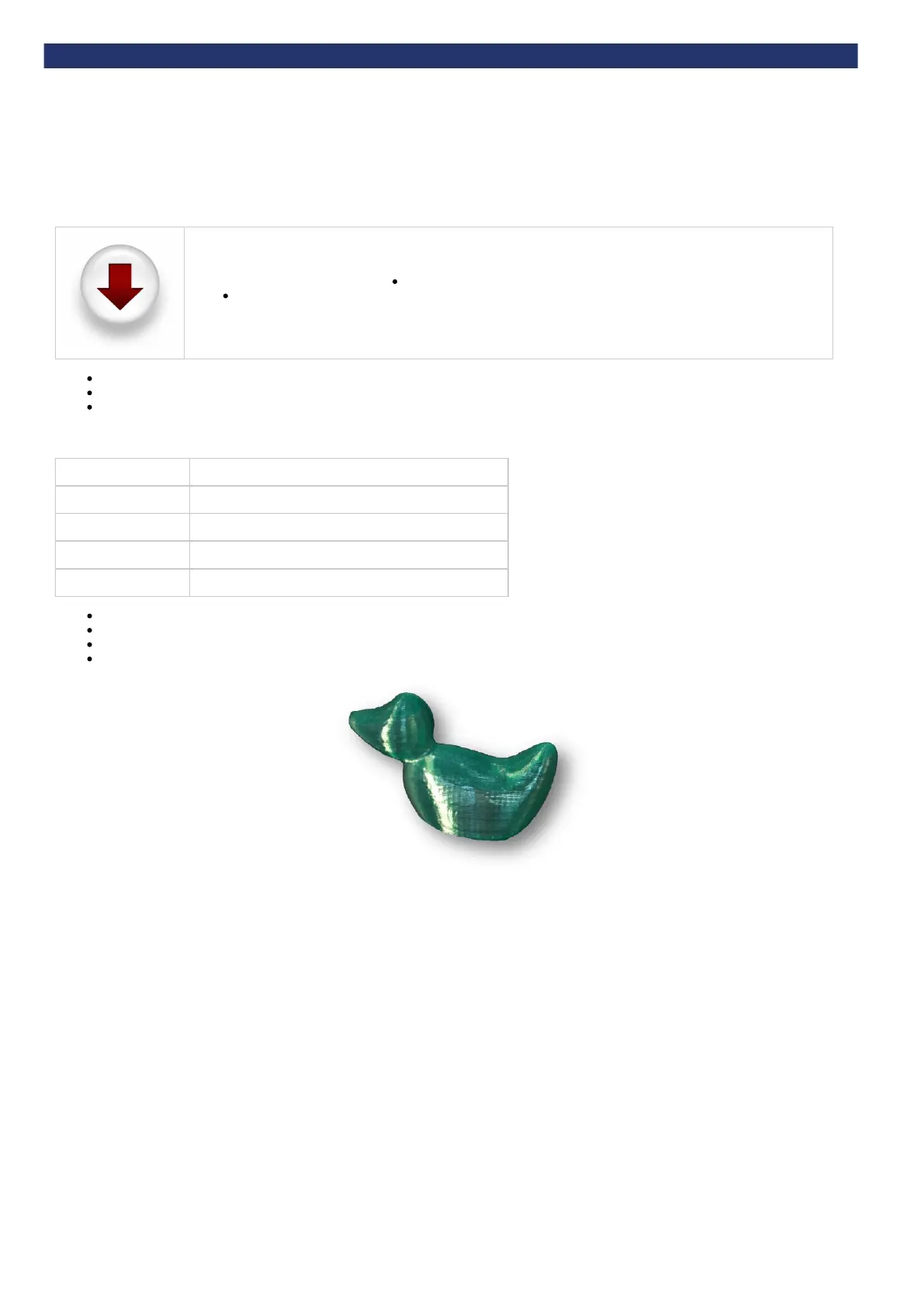
To get your BFB-Touch printer up and running as quickly as possible, we have pre-loaded a .BFB file of a duck onto the memory stick ready to print.
The print files required are already included on the USB memory stick supplied in your toolkit.
If you do not have these files you can download them by clicking on the icon on the left. After downloading:
Unpack the files to the root of your USB stick.
The printer can only see uncompressed files at the root of the USB stick i.e. do not put them inside a folder.
Make sure all are complete.pre-print checks
Make sure materials are loaded in the order defined in the (this is important as the print files assume this setup).Load the extruders
Follow the directions to print the Duck file from the memory stick. The Duck file you must choose is determined by theHow to start a print
number of extruders on your 3D Touch (see table below). Remember, only the first 6 characters of the filename will be displayed on the
control box if the filename is longer than 8 characters.
Number of extruders File name
1 (ABS)
Duck1A_E1_ABS.bfb
1 (PLA)
Duck1P_E1_PLA.bfb
2
Duck2_E1_ABSraft_E2_PLAbuild.bfb
3
Duck2_E1_ABSraft_E2_PLAbuild.bfb (same as above)
After printing, follow the procedure detailed in to remove the model from the printer.Clearing the bed
Carry out essential post-print operations (detailed in the next section).
Remove the raft from the model with sandpaper.
For tips on post-processing your model, check out out .on-line FAQ


 To Next Page