Shaoxing Bibo Automatic Equipment Co., Ltd.
Tel:+86 575 88918283 Mobile:+86 133 25759139
Url: www.ourbibo.com E-Mail: bibo@ourbibo.com
Assign an extruder to an object (two colors printing)
This short tutorial will show you how to print two objects in a single print with
different extruders.
You basically need two STL files which are created in the same coordinate
system and with exact needed distance with respect to each other.
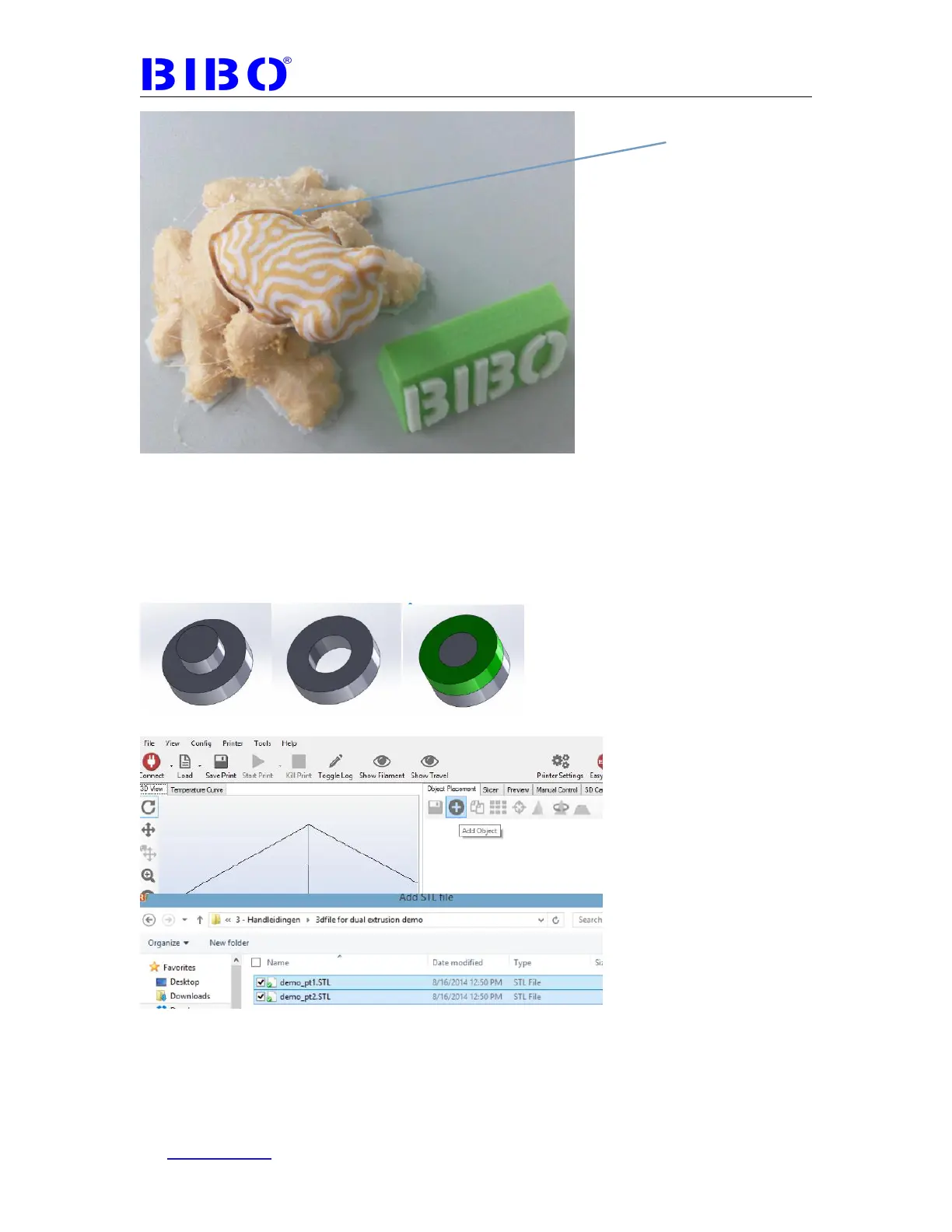
For this example two simple parts are created, see picture below.
In Repetier-Host open the two files
It should now look like this:
Select demo_pt2 and drag it into object group 2



 To Next Page