Shaoxing Bibo Automatic Equipment Co., Ltd.
Tel:+86 575 88918283 Mobile:+86 133 25759139
Url: www.ourbibo.com E-Mail: bibo@ourbibo.com
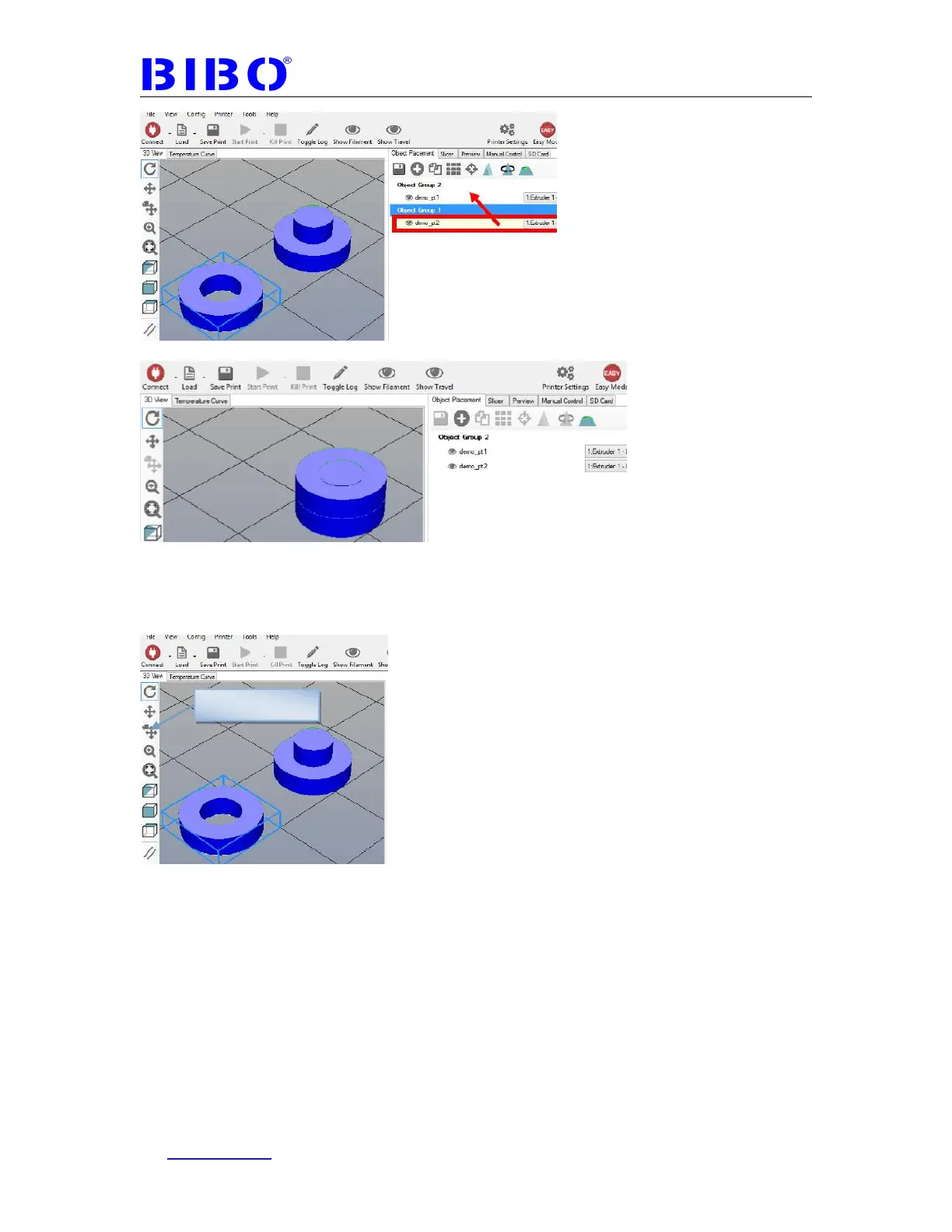
It looks like this:
If two objects are not in the same coordinate system. You can use move
button to let two objects get together. First center two objects, then select the
left object and move it in Z coordinate for right object’s bottom cylinder
thickness.
Select which object you want to print with which extruder.



 To Next Page