Shaoxing Bibo Automatic Equipment Co., Ltd.
Tel:+86 575 88918283 Mobile:+86 133 25759139
Url: www.ourbibo.com E-Mail:
bibo@ourbibo.com
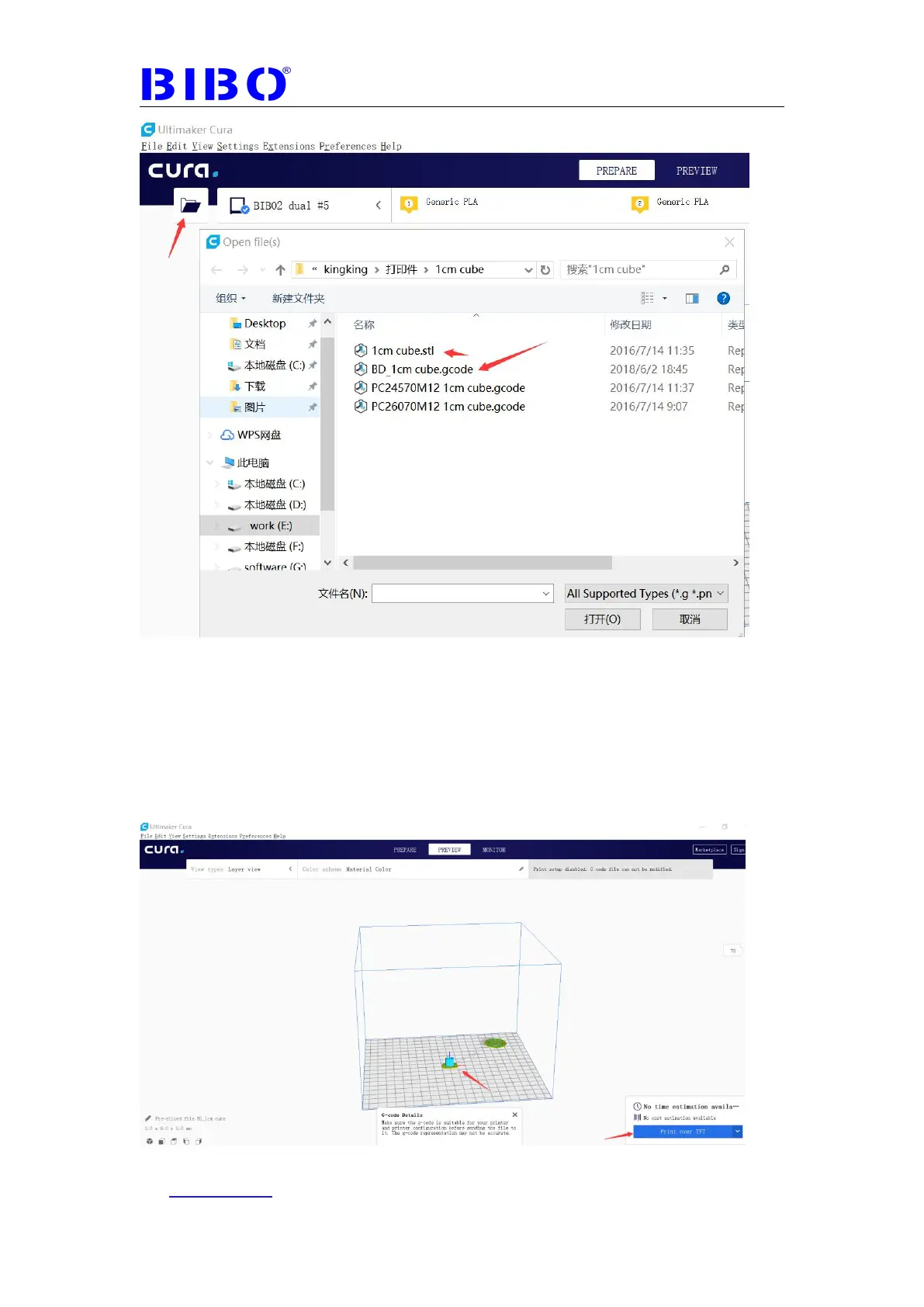
Once there is sliced gcode file in cura, we can click “Print over TFT” to transfer
the gcode file to the printer,then the printer starts the printing. It is normal that
sometimes the touch screen reboots before printing. Every gcode file
transferred to the printer will be named “cura_file.gcode” . So if you want to
save the gcode file, please save it on the computer first. You can use the “Print
over TFT” drop-down menu “Save as TFT file” or “Save to File” to save the
gcode file. These two menus are the same for BIBO 3d printer.



 To Next Page