Shaoxing Bibo Automatic Equipment Co., Ltd.
Tel:+86 575 88918283 Mobile:+86 133 25759139
Url: www.ourbibo.com E-Mail: bibo@ourbibo.com
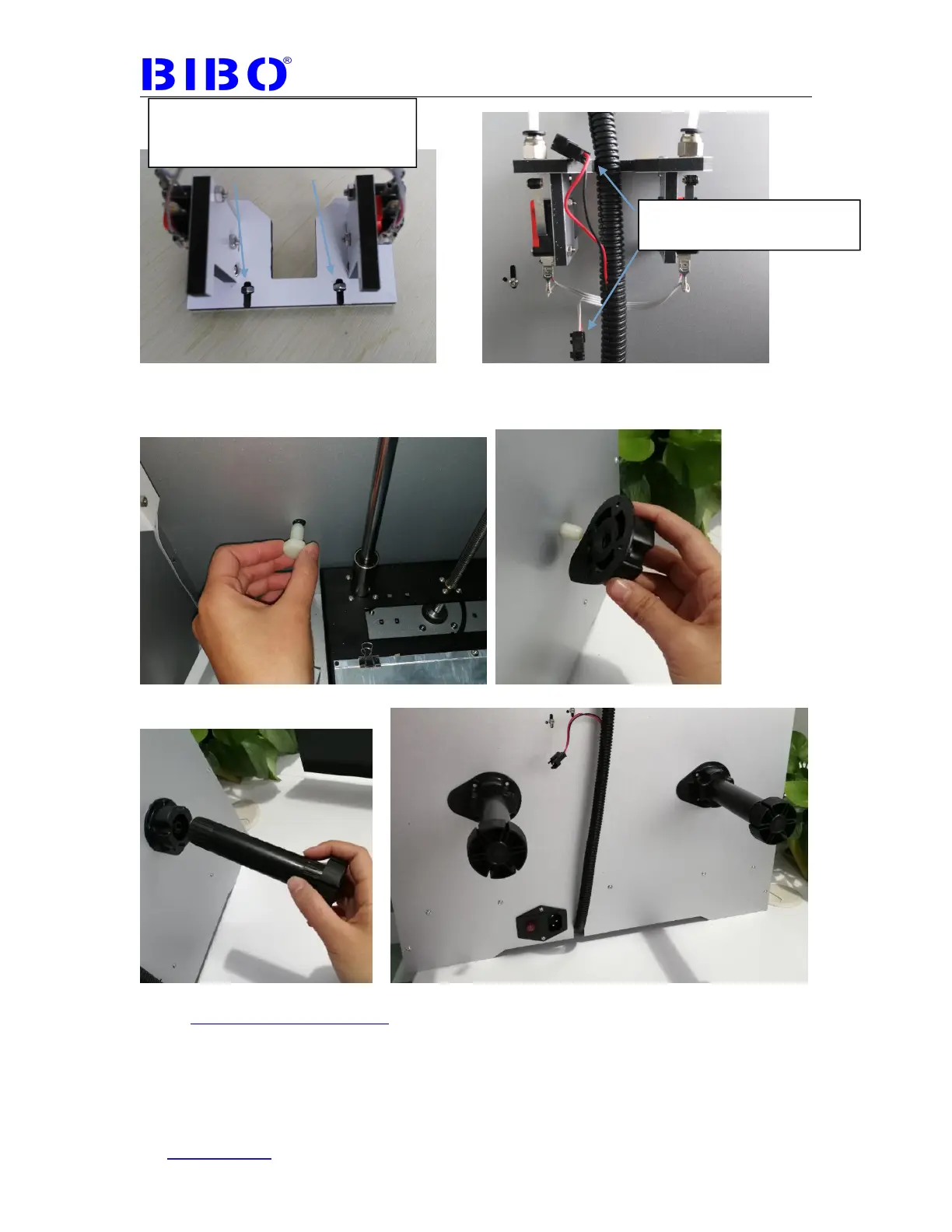
The third step is to install filament holders on the back of printer with two big white
bolts.
Some printers’ filament holders are fixed in a different way, with 12mm length
bolts (in a bag marked with 12). Please kindly check the photo as below:
Pleas press two nuts by two fingers
during assembly to avoid nuts falling
down.
Please do not connect the
black coupler first



 To Next Page