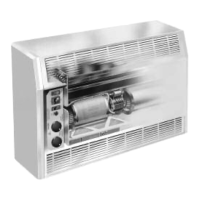
OPERATION CITY AND CYV COMFORT AIR CURTAIN
36
3.3 Setting the heating (CITY E and CYV)
The unit has two heating levels.
• Press ' to switch the heating to low level.
• Press " to switch the heating to high level.
Note:
n Switch OFF the heating by pressing the key above
which the LED is lit.
Note:
n If you press " while the unit is set to low fan
speed, the unit will automatically switch to medium
fan speed for safety reasons.
On the CYV, the discharge temperature remains
more or less constant, but the total heating capacity
is increased.



 To Next Page