Versie: 5.0 (04-06-2012) 35
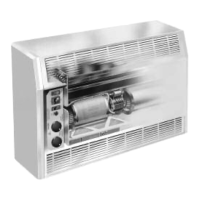
3 . . Operation CITY and CYV
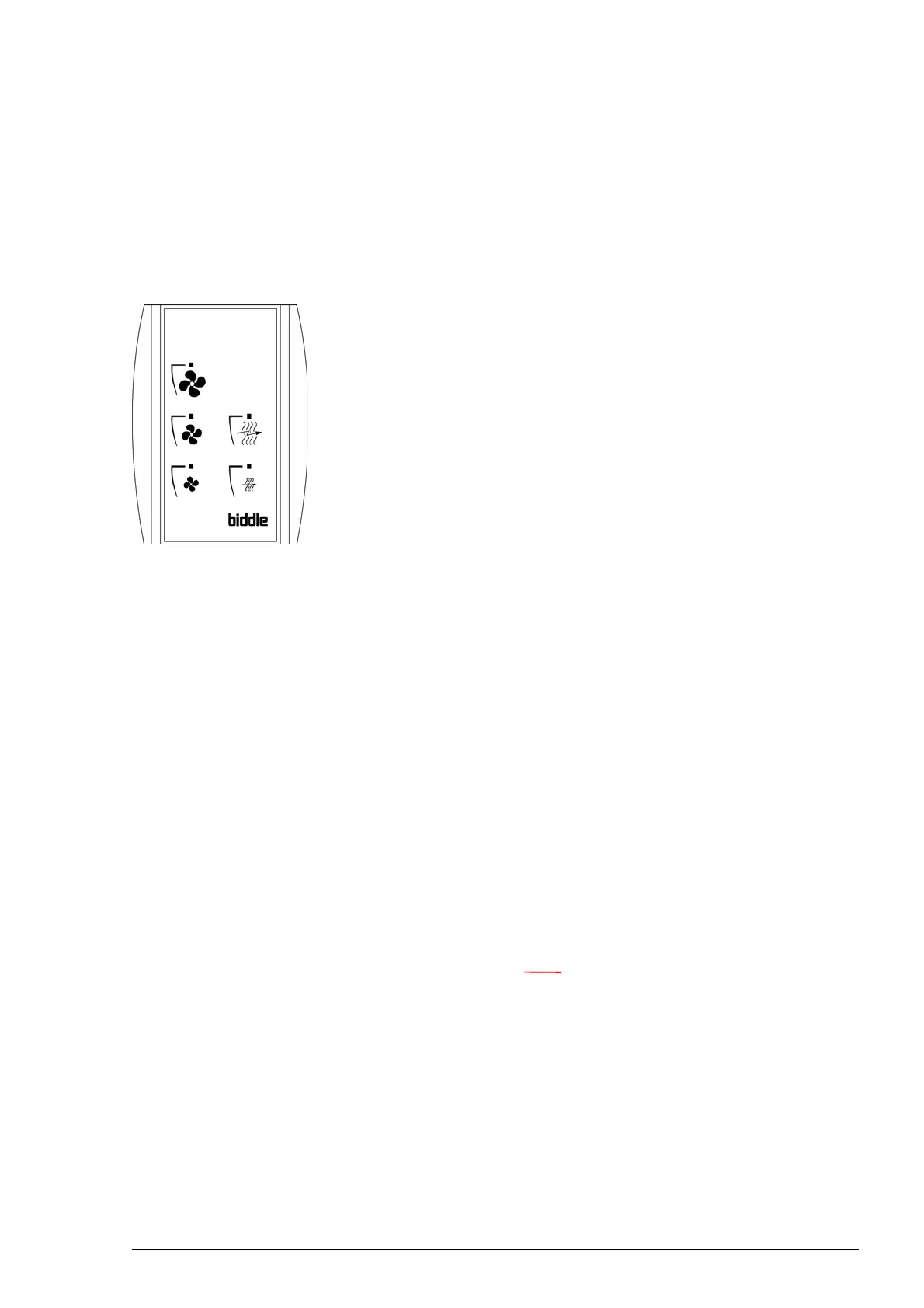
The CITY and CYV units are equipped with a touch pad con-
troller. Depending on the version, the touch pad controller
h
as 3 or 5 keys. These keys allow the user to make the follow-
ing settings:
• Switching the unit ON and OFF.
• Setting the fan speed - key
:, ] and [.
• Setting the heating - key
' and " (CITY E and CYV).
It is possible that a thermostat is connected to the unit. In this
case
, consult the appropriate manual for instructions.
3.1 Switching the unit ON and OFF
The unit is OFF when none of the LEDs above key :, ], or
[ is lit. Switch ON the unit by pressing one of the keys.
Switch OFF the unit by pressing the fan setting key (key
:,
], or [) above which the LED is lit. The unit stops and the
LED above the key goes out.
3.2 Setting the fan speed
The unit has three fan speeds.
• Press
: to switch the fan to low speed.
• Press
] to switch the fan to medium speed.
• Press
[ to switch the fan to high speed.
Note:
n Switch OFF the unit by pressing the key above which
the LED is lit.
3.2.1 Recommended setting
To achieve maximum climate separati
on with minimum energy
consumption, Biddle recommends selection of the lowest set-
ting at which no draught occurs.



 To Next Page