8 Extruder Operations BigRep STUDIO
80
8. Extruder Operations
Please read the following instructions carefully before starting.
8.1. Changing Filament
Safety Instructions
Only use filament that is suitable for your printer. For good results we recommend
tested filaments, which can be ordered via [www.bigrep.com].
Some filaments may develop harmful vapors during printing. Please also refer to
the specifications by the individual manufacturers.
Procedures
1a. Filament Change Before the Printing Process
The extruder must be preheated to the required print temperature before
the filament change.
& Chap. 7 Operation and Control
1b. Filament Change During the Printing Process
Pause the print and move the extruders to a position away from the print.
Note: Only move on the X-Y axis! Continue with step 3.
1c. Filament Change in Case of Out Of Filament Notification
When Out-of-filament-sensor is triggered, the print will automatically pause.
Move the extruders to a position away from the print.
Note: Only move on the X-Y axis!
2. Manually move the extruder into a position that allows for easy filament re-
placement.
& Chap. 6.1 Control Menu
3. Go to the Control Menu and extrude 50 mm
4. Go to the Control Menu and click Unload.
Automatically the extruder will:
– Heat to 220° C
– Extrude a small amount of material
– Retract the filament
If you would like to unload the filament from T0
and T1, wait for the first unloading procedure to
be finished before starting the second one.
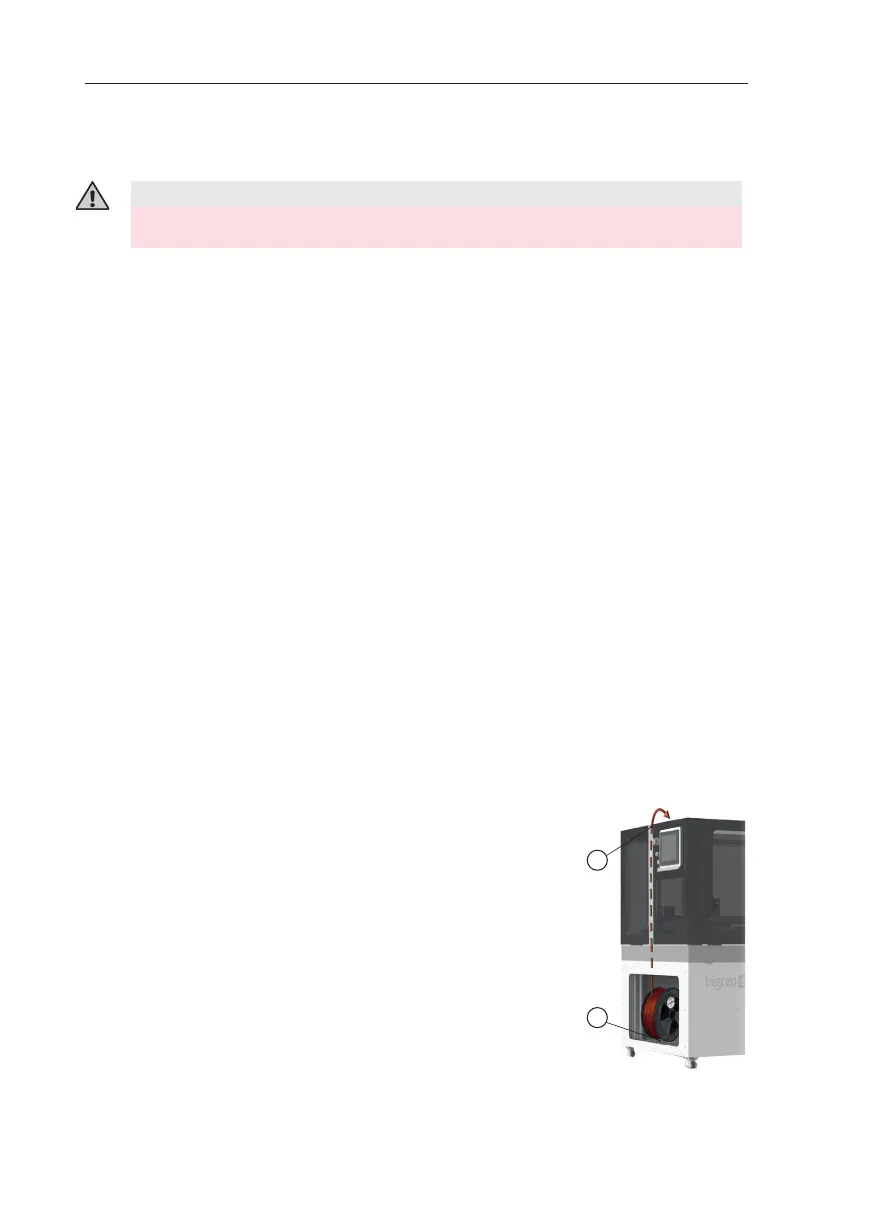
5. Pull out the old filament spool from the fil-
ament spool holder. If the spool still contains
A
F
Fig. 8-1: Loading filament
Never reach into the printer while the machine is running.
WARNING – Danger of Crushing



 To Next Page